How AI Assistants Run Staffing, Time Tracking, and Margin Management?
TL;DR
When a PSA platform exposes an MCP server, an AI assistant can read and write live staffing, time, and margin data rather than only describing it. Through Operating's MCP server an assistant can create positions, build allocations, and log time entries under the user's existing permissions, with each tool set to read-only, write-enabled, or confirmation-based. Practical uses include turning a proposal into a staffed plan, drafting time entries from Jira and Slack, and flagging margin risk before month-end close.
The evidence
Eliza, an AI-native consulting firm, runs its delivery operations on Operating and connects its AI agents through the MCP server. Eliza grew from its founding team to 50 people in 10 months, and joined the OpenAI Partner Network as a launch member alongside Accenture and McKinsey. Sophia Ryterband, Strategy and Operations Lead at Eliza, says Operating gives their agents one place to read and write delivery data.
The financial case is concrete. Inventive, a US firm, cut unbilled work from $250,000 to $25,000 in a single year after moving its operations onto Operating. That kind of number comes from closing the gap between planned and actual hours, which is the exact data an MCP-connected assistant can watch every day.
The real shift: write access, not advice
Most AI tools that touch your business can read. They summarize a document, answer a question, draft an email. A search box with better manners.
An MCP server changes the verb. With Operating's MCP server, an assistant can create positions, build allocations, and log time entries inside your system of record. It does not hand you a recommendation to type in later. It makes the change, under your permissions, and shows you what it did.
That is the line worth drawing. An assistant that can only read your data saves you a few minutes. An assistant that can write to it takes the task off your desk.
You keep control of the verb. Each tool in Operating can be set to read-only, write-enabled, or confirmation-based. Every action runs under the permissions the user already has. A consultant who can only see their own time entries gets exactly that through the MCP server, and nothing more.
So here is the honest question for a PSA in 2026: how much can you do once an agent can act inside it? Here is what that looks like.
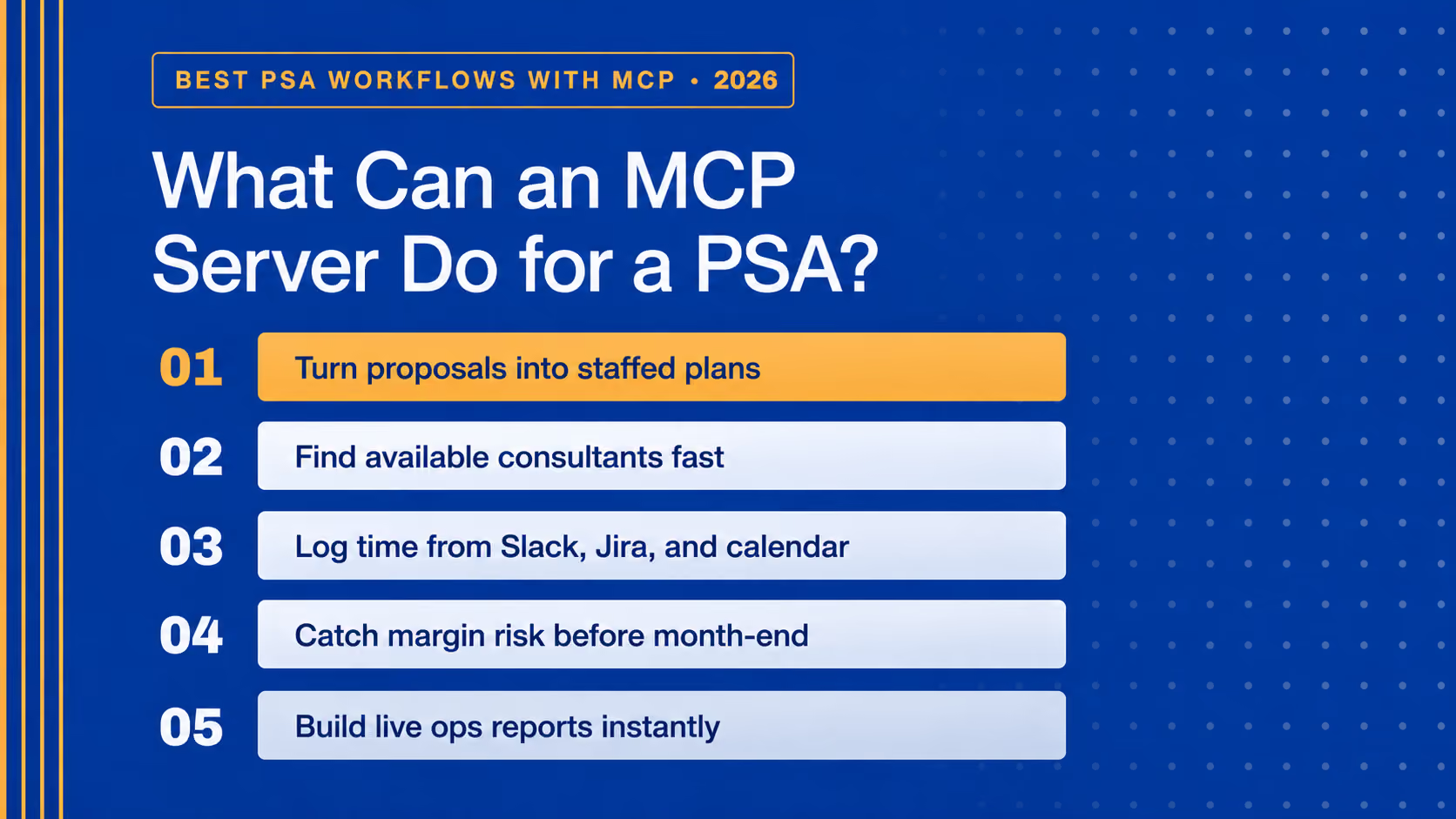
Turn a proposal into a staffed plan
A deal closes. Someone reads the proposal, pulls out the phases, works out the roles and seniority, estimates effort, creates the positions, and checks who is free. That is an afternoon of work.
Paste the proposal into Claude or ChatGPT and ask it to build the team plan in Operating with roles, seniority, and allocations per phase. The assistant parses the phases, creates the positions, spreads allocations across the project, and suggests named people based on skills and availability.
Then you direct it the way you would a junior:
- "Keep utilization below 85%."
- "Optimize for target margin."
- "Flag allocation conflicts in May."
You review a structured draft instead of building one from a blank screen.
Staff projects by asking
Because the assistant reads structured data (skills, seniority, current allocations, availability), you can staff in plain language:
- "Who is available for a 3-month data project starting in April?"
- "Which consultants are below 70% utilization next month?"
- "Suggest candidates for a senior frontend role with React experience."
It returns names from live data, not a static headcount report. Tell it to edit the allocations and it writes them back. No clicking through the screen.
Log time without the chasing
Time tracking gaps leak revenue. They are also the chore nobody wants.
With write tools on, the assistant can build a day's time entries for you to review: read the Jira tickets, the GitHub commits, the Slack activity, and the calendar events, map them to projects and tasks, and log structured entries through the Track Time tool.
It can run the follow-ups too: Slack reminders for missing timesheets, a flag when billable hours drop below target, a weekly utilization summary. The Inventive result, $250,000 of unbilled work down to $25,000, lives right here.
Catch margin risk before the close
Hand the assistant your operating rules and let it watch the data against them. For example: if billable utilization drops below 70%, identify who is underutilized, flag it for team leads, and suggest internal projects or shadowing.
Set target utilization per seniority, cost assumptions, and margin thresholds. The assistant can then flag a project drifting toward thin margin before it shows up in the month-end report. Earlier is cheaper.
Answer leadership questions on the spot
"I'm late to the leadership meeting. Give me utilization for the next 90 days by role, site, and seniority." The assistant pulls the data and builds the spreadsheet while you walk to the room. Operating's MCP server works inside Excel and Google Sheets, so the report lands where you already work.
This is the quiet win. The data that used to mean asking a colleague and waiting three hours is now a question you type and an answer you get.
Before and after: the same work, fewer hands
Job to be doneThe old wayWith Operating's MCP serverStaff a projectRead the proposal, build positions and allocations by handPaste the proposal, get a structured team plan with named peopleFind who is freeCross-check spreadsheets and calendarsAsk "who is available for a 3-month React project in April?"Track timeChase consultants, fix gaps at month-endAssistant drafts entries from Jira, Slack, and calendar for reviewSpot margin riskFind it in the month-end reportFlag it the day utilization or margin crosses your thresholdReport to leadershipPull numbers, build the deck, wait on peopleAsk in plain language, get a spreadsheet on the spot
Operating as the operations backbone
None of this asks you to rip out your stack. Your CRM keeps the pipeline. Your HRIS keeps people data. Jira or Linear keeps the tickets. Connect them through their own APIs or MCP servers, and Operating holds the operations layer the rest builds on. Brainforge, an AI-native firm, runs Operating alongside Linear and Google Calendar so capacity planning and timesheets happen with less manual chasing.
A PSA is the right place for this because it already holds the data you run the firm on: allocations, timesheets, project financials. Connecting an agent to that is a different thing from connecting it to a chat app. One answers questions. The other runs operations.
Getting it on
Setup takes a few minutes. Enable the MCP server in Operating settings, choose which user groups can reach it, and copy the server URL. In Claude, add it under Settings, Connectors, Add custom connector, then authorize. In ChatGPT, add it under Settings, Apps with developer mode on. Set each tool to read-only, write-enabled, or confirmation-based before you let it run.
Operating's MCP server is live — the first PSA built MCP-first. If you run a consulting firm and want your assistant to read and write live operations data instead of guessing from a screenshot, book a demo.
Frequently asked questions
What is an MCP server for a PSA?
It is a secure connection that lets AI tools like Claude and ChatGPT read and write real data in your PSA through structured actions. For Operating, an assistant can list people, create positions, build allocations, and log time, all under your existing permissions.
What can an AI assistant change inside Operating?
With write access on, it can create and update positions, allocations, and time entries. You decide which tools are read-only, which can write, and which need confirmation first. Every action follows the permissions of the user who connected it.
Is our staffing and client data secure?
MCP access uses OAuth 2.1 and runs under your existing Operating permission model, so an assistant can reach only what its user can reach. When you connect an outside tool like ChatGPT or Claude, that tool handles the data under its own policy, so use enterprise AI plans where your data is not used for training.
Do we need engineers to connect it?
No. The server is hosted, and you connect it through a standard authorization flow. It is a few clicks in settings, not a development project.
Which AI tools work with it?
Claude, ChatGPT, Gemini, and Claude Code, plus Excel and Google Sheets for building reports against live Operating data.
Does this replace our CRM or finance tools?
No. Operating holds the operations layer (resourcing, time, project financials) and connects to the rest of your stack through APIs and MCP. You keep the tools your team already uses.