


The Operating MCP server for your AI agents
Connect an AI agent or assistant to Operating and ask your resourcing, time and margin questions in plain language. It reads the same people, projects, allocations and invoices you would see in the app. The server runs at mcp.operating.app/mcp. An agent can act on what it reads, not just report it: create a project, staff it, log time against it, raise the invoice. Each person signs in with their own account, so an agent sees exactly what that person would.
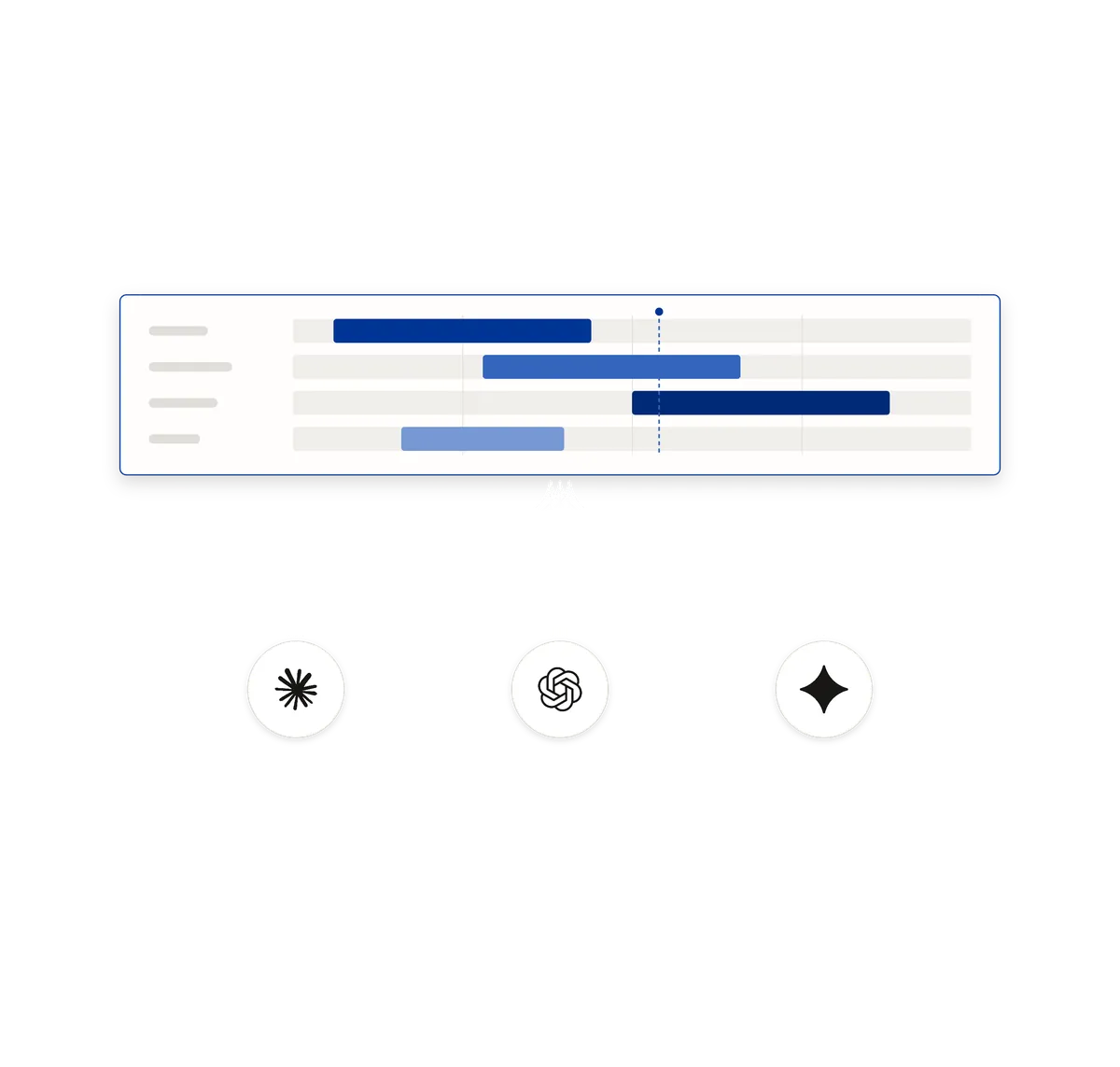
What an agent can reach
Ask which projects are short of people in November, and the agent reads your positions and allocations to answer. Ask what the margin looks like on a client's work this quarter, and it runs the same report the app runs.
- People, projects, positions, allocations and time entries, all readable and most of them writable
- Invoices, expenses, budgets, phases, clients and rate cards
- Two report tools for planned and actual figures, the ones behind the reports you already use
- Reference data such as roles, skills, seniorities, sites, tags and statuses
Writes are live, so decide what each agent may do
There is no sandbox and no draft mode. When an agent creates a project or logs an hour, it lands in your tenant straight away. What keeps that safe is who the agent is acting as.
- Every call runs as the person who authorised it, so there is no shared service account and no key to pass around
- An agent sees exactly what that person sees in the app, and nothing they could not open themselves
- A tool switched off for someone is never offered to their agent, so it cannot tell the data is there
- The rate limit is counted per person, so one runaway client cannot use up everyone else's budget
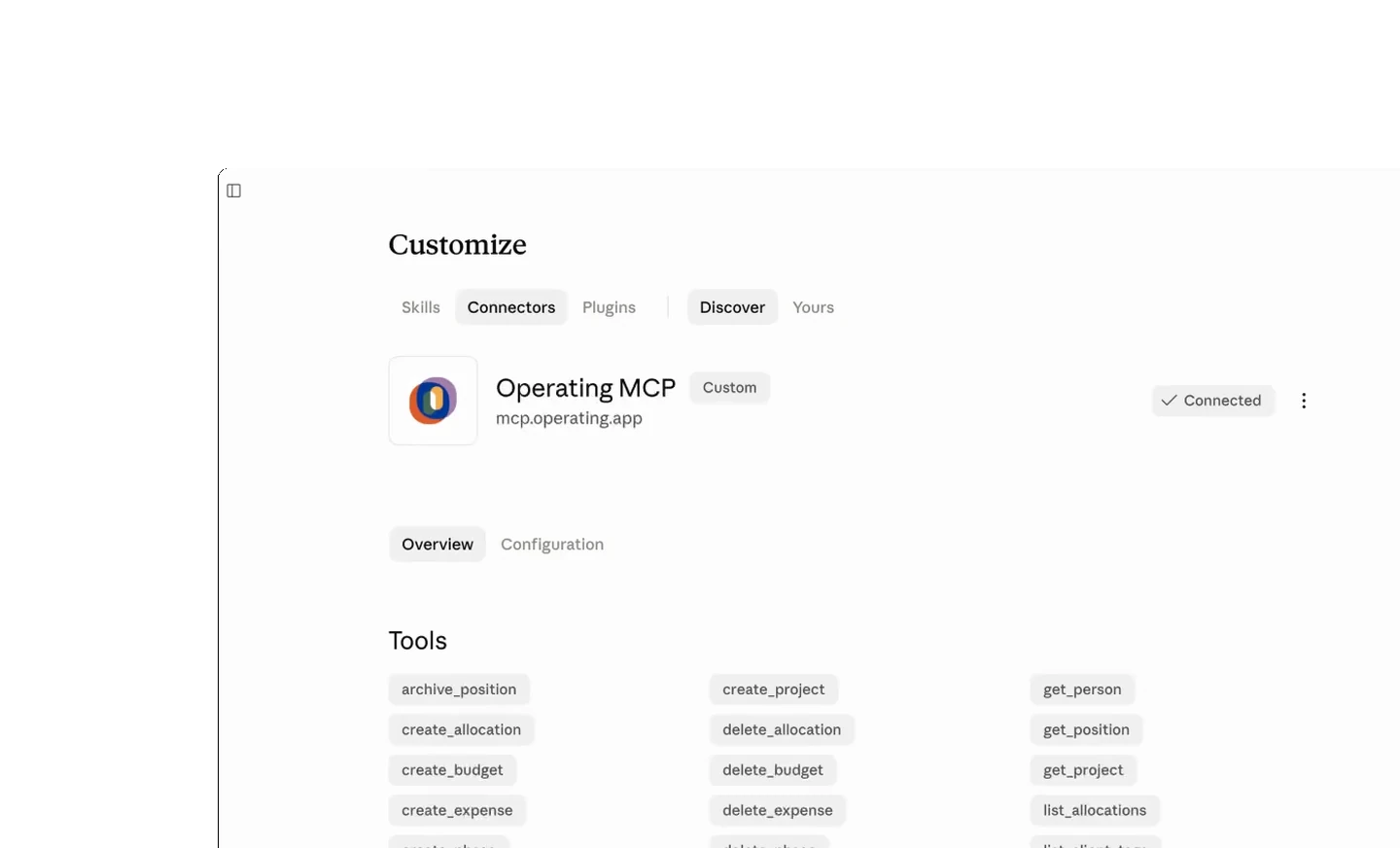





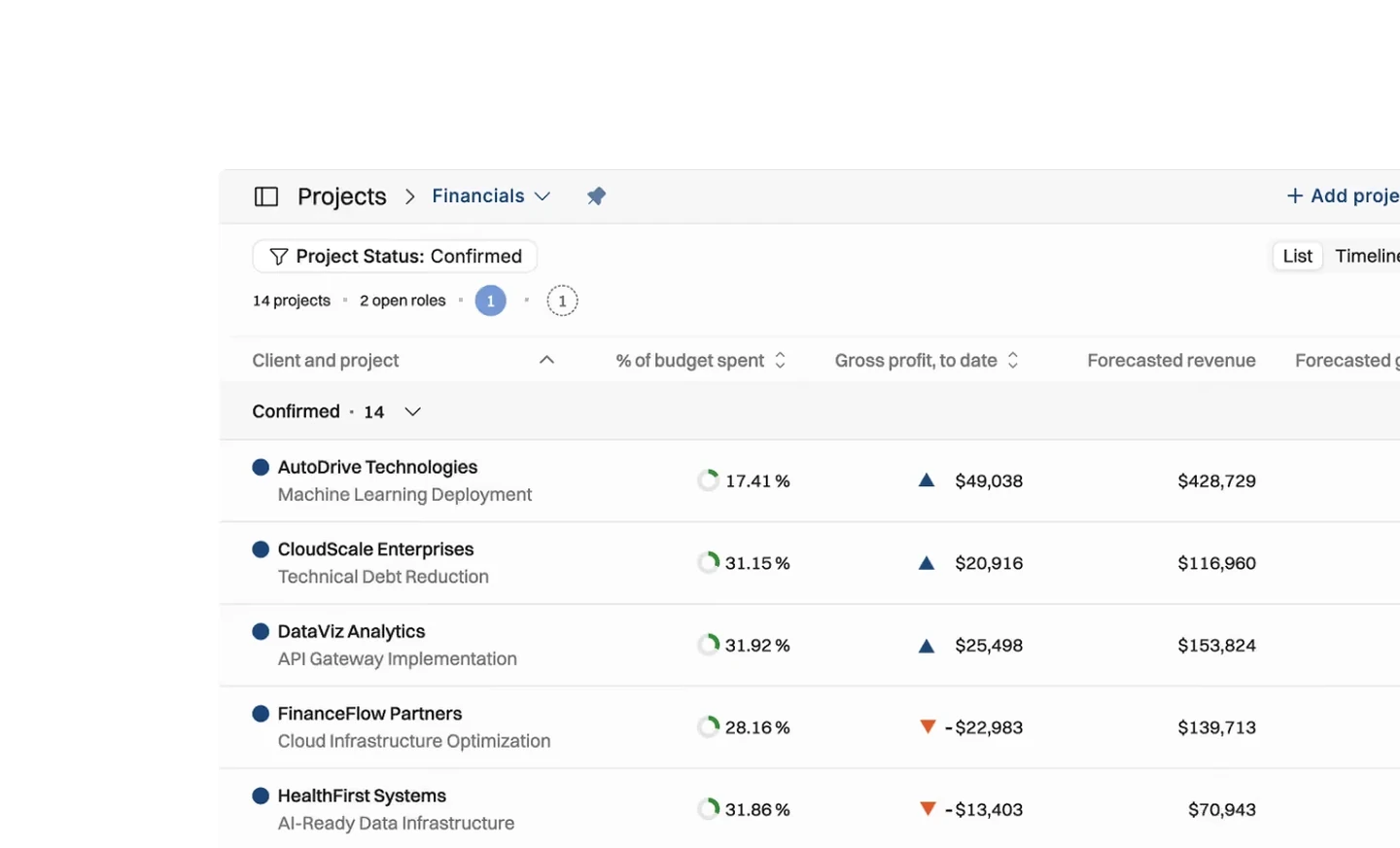
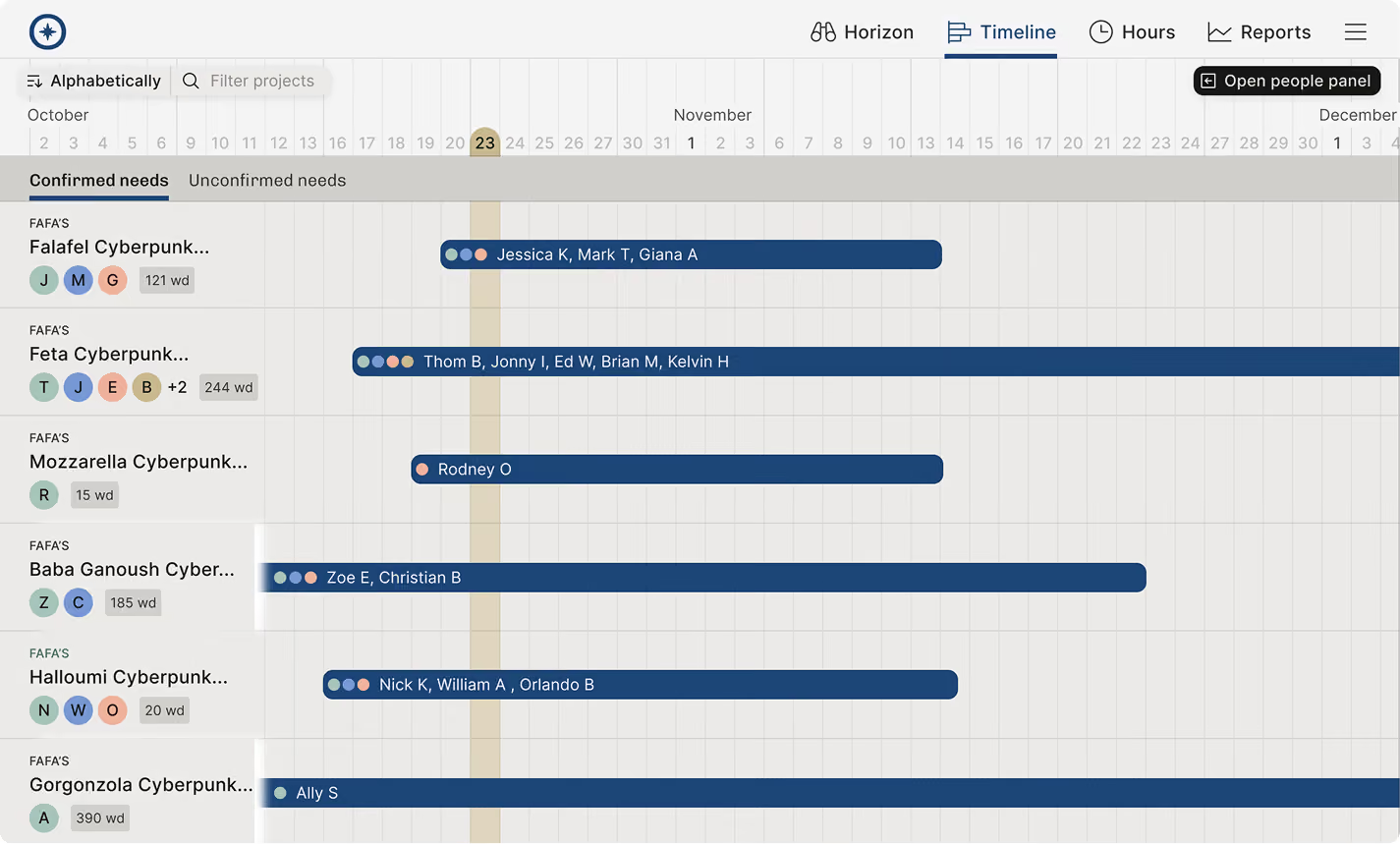
What the Operating MCP server exposes
Checked against the product on 2026-09-27.
Tenants
List the tenants you belong to and pick one to work in
People and skills
Read people, create and update them, read skills and levels
Projects and phases
Read, create and update projects, phases and financial plans
Positions and allocations
Read, create, update, move and delete positions and allocations
Time tracking
Read time entries and log time
Budgets and expenses
Read, create, update and delete budgets and expenses
Clients and invoices
Read and manage clients, read invoices
Reports
Planned and actual figures, by person, project or client
Reference data
Roles, seniorities, sites, statuses, groups, tags, vendors and categories
Questions about the Operating MCP server
What is the Operating MCP server?
It is a Model Context Protocol server at https://mcp.operating.app/mcp that lets an AI assistant work with your Operating data. An assistant can read people, projects, allocations, time entries, invoices, expenses and reports, and write to most of them.
Which AI assistants can connect to Operating over MCP?
Claude, Claude Code, ChatGPT and the Gemini CLI are the clients customers use today. Any client that supports a remote MCP server over HTTP with OAuth sign-in should work. Microsoft Copilot does not: nobody has yet got the connection working from it.
Can an AI assistant change data through MCP, or only read it?
It can change data. Projects, positions, allocations, budgets, phases, expenses, clients, people and time entries can all be written. Reading covers those plus invoices, rate cards, reports and reference data.
Is there a sandbox or a draft mode for testing MCP writes?
No. Writes are live in your tenant the moment the assistant makes them. Test with a project you are happy to change, and switch off the writing tools for anyone who only needs answers.
How is access to an MCP server controlled?
In Operating, by three things. MCP access is granted per user. Individual tools can be disabled for a user. Beyond that, the user's own permissions apply, so an assistant sees exactly what that person would see in the interface.
Does the Operating MCP server use a shared service account?
No. Each connection is authorised by one person through OAuth, and every call the agent makes runs as that person. There is no shared credential to rotate or leak, and the activity belongs to a named account rather than to the integration.
Can an AI agent read data that the person who connected it cannot see?
No. The agent inherits that person's permissions exactly. If a project, a rate or an invoice is hidden from them in the app, it is hidden from their agent too.
What happens to a tool a person is not allowed to use?
It is not offered to their agent at all. The tool list is filtered before it is advertised, so the agent is not told that it exists and refused; it simply never sees it. That is how you allow questions while refusing changes.
How is an administrator meant to control this across a company?
Three separate gates. MCP is switched on for the tenant, then granted to the individual people who should have it, and then specific tools can be switched off for any one of them. Turning any of the three off stops the connection at that level.
How many requests a minute does the Operating MCP server allow?
200 per minute per user. A conversation rarely comes close, and it leaves room for the bulk corrections people run in one sitting.
Why should an assistant call list_tenants first?
Because one Operating account can belong to several tenants, and every other tool works inside one of them. Listing the tenants first fixes which set of projects and people the rest of the conversation is about.
Go deeper



Get the Operating Routine for resource planning
A weekly routine for staffing and capacity, written by people who ran it in their own firms. It gives your resource planning meeting a fixed agenda and a short list of numbers to check. Get the guide.
Thank you!
Get the Staffing Routine by clicking below.
Download guide