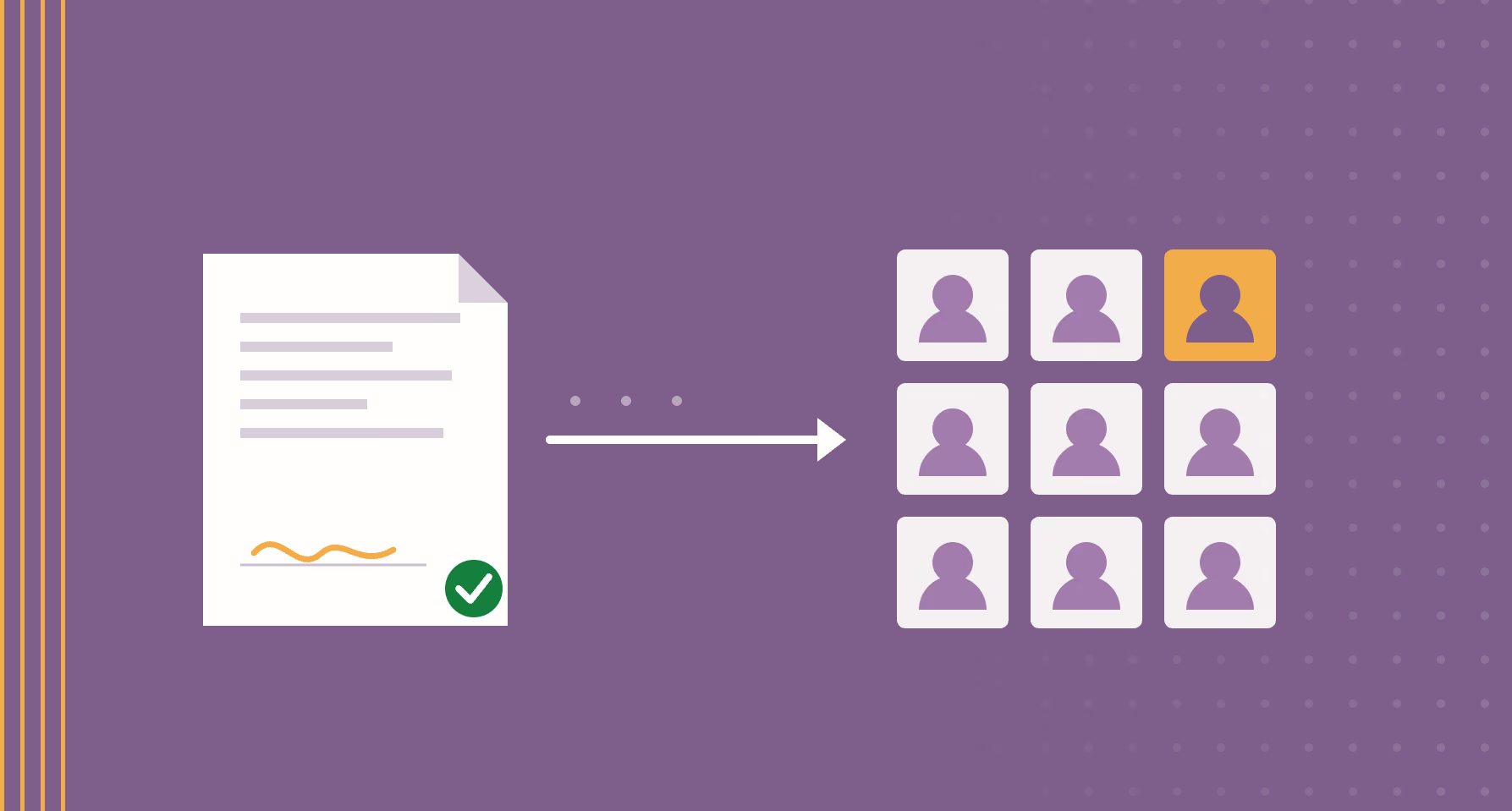
Quick summary: Turning a signed statement of work into a staffed project automatically means a five-stage pipeline: capture the contract, extract the client, dates, billing schedule, contract value, and roles to staff, have a person review and approve the fields, then write them into Operating through its REST API as client, project, phases, budget, positions, and allocations, and sync the CRM and finance tools. Extraction only needs 70 to 90 percent field accuracy, because a reviewer approves every field before anything is written.
The write path makes this possible: Operating is the first PSA built MCP-first, so its live MCP server lets an assistant create the positions and allocations directly — under the permissions of the person running it, with each tool set to read-only, write-enabled, or confirmation-based.
Note: this is a more general article on the topic. If you'd like to follow a technical guide on how to do what we're describing here using the Operating API, read the guide from our support site.
What does turning a signed SOW into a staffed project mean?
When a Statement of Work is signed, someone in operations usually has to recreate it by hand: set up the client, open the project, lay out the timeline, set the budget, and decide which roles to staff and when. Turning a signed Statement of Work into a staffed project automatically means a pipeline reads the contract once, a person checks the result, and your operations platform is written through its API.
With Operating, the writing part is a short sequence of REST calls that create the client, project, phases, budget, roles, and staffing plan. The reviewer approves the data instead of retyping it. One operations lead can then run far more projects than before, because the typing is gone and only the judgment is left.
What problem does this actually solve?
It removes a common operations bottleneck. A few signed SOWs arrive at once, and one person has to turn each into a live project: create the client, set up the project, lay out the timeline, work out the roles and dates, set the budget, and copy the numbers into finance and the CRM.
No single step is hard, which is exactly why the problem hides for so long. The work is a slow pile of small tasks, and it gets worse with scale. Three contracts on the same morning and the day is gone before any delivery starts. This is the same drag that pushes growing firms toward moving staffing out of spreadsheets and into a connected system.
How does the SOW-to-project pipeline work?
The pipeline has five stages, and a person sits in the middle of it on purpose:
- Capture the contract. A background job watches the shared inbox for new SOWs, or listens to your signing tool directly.
- Extract the fields. The PDF is parsed and the fields that matter are pulled out: client, dates, billing schedule, contract value, and the roles to staff.
- Review the result. The extracted fields are shown to a person next to a pointer to where each one came from in the document. They fix anything wrong and approve.
- Write the project. The approved data is pushed into Operating through the API: client, project, timeline, budget, roles, and a first staffing plan.
- Sync the rest. The same approved data updates your CRM and other tools, so every system agrees on the same numbers.
Stages one through three are yours to build with whatever tools you like. Stage four is where the API does the heavy lifting.
| Stage | What happens | Who owns it |
|---|---|---|
| Capture | A new SOW is caught from a shared inbox or directly from your signing tool. | Automation |
| Extract | The PDF is parsed for client, dates, billing schedule, contract value, and roles to staff. | Automation |
| Review | A person checks the extracted fields against the source document and approves or fixes them. | Person |
| Write | Approved data is written to Operating: client, project, phases, budget, positions, allocations. | API |
| Sync | The same approved data updates the CRM and finance sheet so every system agrees. | API |
Which part does the Operating API handle?
The API mirrors the objects you would otherwise create by hand, and you call them in dependency order. You authenticate with an API key, then create the client, create the project, add the timeline as phases, set the budget, add a position for each role to staff, and drop in a staffing plan as allocations. A position is the role slot on the project, and an allocation says how much of a person's time goes to it over a given window. If your CRM integration has already created the project, you can also poll for the right project and client via the Operating API.
A SOW line such as a full-time designer for three months maps straight onto one allocation call: 100 percent on the designer position, dated across the first three months. Because these are plain REST resources, the build is modest. One firm wired up the whole thing with a single extra developer in a couple of days.
This is the operational version of matching consultants to the projects that need them, done from the contract rather than from a spreadsheet. If you are still deciding what a tool like this should cover, we wrote a separate piece on what a project staffing tool does in consulting.
Why keep a person in the loop?
Because contracts vary, and a wrong number written silently is harder to catch later than a blank field is now. Every write happens only after a person reviews the extracted fields against the source. That step catches the odd contract worded differently from the rest, and it builds confidence that the data landing in finance and the CRM is right.
This is also where the work connects to the handoff from sales to delivery. The automation does not replace that conversation. It just makes sure the delivery team starts from a project that already reflects what was signed instead of spending time manually inputting data into a software.
How accurate does the contract extraction need to be?
It does not need to be perfect. Even at 70 to 80 percent field accuracy, a reviewer correcting a pre-filled project is far faster than one starting from a blank screen. A rough draft beats an empty form.
A practical way to get there: run your extractor against a batch of past contracts, compare the output to what was actually entered in Operating at the time, then measure accuracy field by field and fix the weakest fields first. Aim for roughly 70 to 90 percent and tune from real numbers rather than guesses.
What is the payoff for an operations team?
The win is not the few minutes saved on any one contract. It is that one operations lead can carry a much larger book of projects than they could a couple of years ago. Your operations platform stops being a stack of forms to fill in and starts being something your own tools can drive.
That is the same outcome we argue for across effective resource management: take the repetitive entry off people's plates so they can spend their time on the staffing decisions that actually move margin.
Frequently asked questions
Can I automate SOW data entry into a resource management or PSA tool?
Yes. If the tool has a public API, as Operating does, you can read the contract, extract the fields, and write the client, project, timeline, budget, and staffing plan automatically. Operating exposes every object you would create by hand as a REST resource, so the data entry becomes API calls instead of manual typing.
What do I need to build SOW-to-project automation?
You need four things: a way to receive contracts (a shared inbox or a signing-tool integration), a parser that extracts the key fields, a review screen where a person approves the data, and an API key for your operations platform. With Operating, the write step is a short sequence of REST calls against its public API.
Will it create duplicate projects if the job runs twice?
Not if you use external IDs. Operating's create calls accept your own system's unique identifiers, which lets the automation match existing records on a retry instead of duplicating them. Calling the objects in dependency order and failing the batch cleanly on any error keeps a half-built project from being left behind.
How accurate does the contract extraction need to be?
Aim for roughly 70 to 90 percent field accuracy. Even at the lower end, reviewing a pre-filled project is much faster than building one from scratch, and a person approves every field before anything is written, so extraction errors get caught rather than committed.