Quick summary: Resource management software plans, allocates, and tracks the people who deliver client work, giving one view of who is available, who is overbooked, and how planned hours compare to hours logged. Firms usually need it between 30 and 50 people, when spreadsheets stop being reliable. Look for firm-wide capacity visibility, skills and role data, pipeline-based demand forecasting, planned versus actual tracking, and integrations with your CRM, time tracking, and finance tools. Operating keeps those connected to project financials.
Resource management software is a tool that helps a company plan its people across projects, so the right person is on the right work at the right time. For a professional services firm, that means knowing who is available, who is fully booked, and whether the team can staff the work that sales is about to close.
This guide explains what resource management software is, what it does, how it differs from project management and PSA tools, and what to look for if you are choosing one. It is written for consulting firms, agencies, and IT services businesses where people are the product and staffing them well is the difference between a good month and a bad one.
What is resource management software?
Resource management software is a system for planning, allocating, and tracking the people who deliver client work. It gives a firm one view of capacity: who is on the bench, who is overbooked, what skills are free next month, and how planned hours compare to the hours actually worked. The category sits on top of the practice itself, so it helps to read it alongside the discipline of managing resources well, which the software is built to support.
The term is sometimes used interchangeably with resource planning software, and in practice they describe the same category. Both refer to tools that answer two questions a services firm asks constantly: who is available, and can we deliver the work we are about to win.
What does resource management software do?
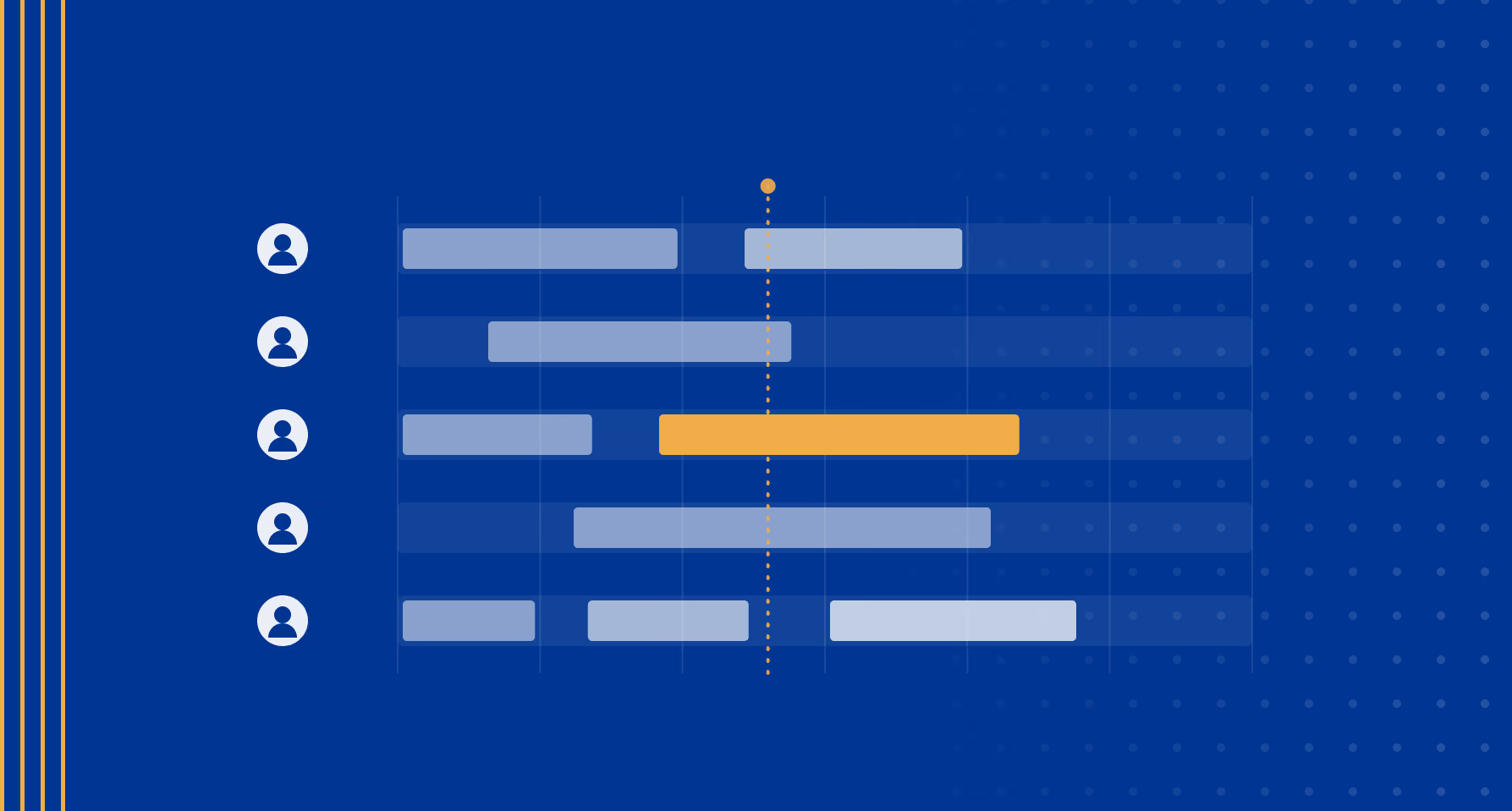
Resource management software turns staffing from a spreadsheet exercise into a live view of capacity and demand. The core capabilities are consistent across tools, even when the labels differ.
- Shows availability and capacity across the firm, so you can see who is free and who is at their limit.
- Assigns people to projects based on skills, role, and availability.
- Forecasts demand against capacity, including tentative work in the sales pipeline, to answer whether you can staff what is coming.
- Tracks planned hours against logged hours, which feeds utilization and surfaces over- or under-runs early.
- Reports on utilization, bench time, and staffing by team or skill.
The practice of comparing planned hours with the hours teams actually log is where a lot of the value sits, because that gap is an early signal for both delivery risk and margin.
Resource management software vs. project management software
Resource management software and project management software solve different problems, and firms often own both. Project management software organizes the work inside a single project: tasks, timelines, dependencies, and deliverables. Resource management software works across projects and is focused on people: who is available, who is staffed where, and whether capacity matches demand.
There is a third category that combines them. Professional services automation (PSA) software brings resourcing, time tracking, billing, and project financials into one system. The table below sets out where each category fits, and we cover the distinctions further in our explainer on how resource management and project management differ.
| Software category | Primary focus | Best for | How it fits in a services firm |
|---|---|---|---|
| Project management software | Tasks, timelines, and deliverables within a single project. | Teams coordinating the work inside a project. | Organizes execution once a project is staffed and underway. |
| Resource management software | People, capacity, and allocation across many projects. | Firms staffing many people across a shifting project mix. | Decides who works on what and whether capacity matches demand. |
| Professional services automation (PSA) software | Resourcing, time tracking, billing, and project financials in one system. | Services firms that want a single operational system of record. | Connects staffing to utilization, invoicing, and margin. |
Who needs resource management software?
A firm needs resource management software when it can no longer hold its staffing picture in someone's head or a spreadsheet. For a team of 15, the founder usually knows who is busy and who is free. Somewhere between 30 and 50 people that breaks: a person is now spending a day or two a week maintaining the staffing sheet, and the numbers in it are already out of date by the time anyone reads them.
A few signs that a firm has reached that point. There is no reliable view of who is available next week. Staffing decisions depend on a single person's memory. Utilization and margin come as a surprise at month-end rather than something seen coming. Two projects quietly book the same consultant. When these start happening, the cost of not having a system is higher than the cost of one.
What to look for in resource management software
The right resource management software depends on how your firm sells and delivers work, but a few criteria matter for almost every professional services business.
- Capacity visibility across the whole firm, not just inside one team or project.
- Skills and role data, so matching is based on who can actually do the work.
- A demand forecast that includes pipeline, so you can plan for work before it is signed.
- Planned versus actual tracking, tied to utilization and reporting.
- AI-readiness with an MCP server, letting you run your resourcing workflows inside Claude or ChatGPT
- Integrations with the CRM, time tracking, and finance tools you already run, so resourcing is connected rather than another island of data.
That last point is the one firms underweight. A staffing tool that does not connect to your CRM cannot forecast demand from your pipeline, and one that does not connect to finance cannot tie utilization to margin. The path off spreadsheets is less about a prettier grid and more about connection, which we cover in our piece on moving from spreadsheets to a connected planning system.
Resource management software for professional services firms
For a professional services firm, resource management is really a profitability question. Every hour a consultant is not staffed on billable work is margin the firm does not recover, so the resourcing view and the financial view are two sides of the same number. This is why many firms eventually move from a standalone resourcing tool to a broader professional services automation platform that holds staffing, time, and project financials together.
Operating is one such system: it keeps resource planning, timesheets, rate cards, and project financials connected, and reads pipeline from the CRM so demand forecasting works off real deals. If you are comparing options built for this market, our roundup of resource planning platforms for consulting firms walks through the main tools and where each one fits.
Frequently asked questions
What is resource management software?
Resource management software is a tool that helps organizations plan, allocate, and track people across projects. For professional services firms, resource management software provides visibility into who is available, who is overbooked, and whether the firm can staff its pipeline.
What is the difference between resource management software and project management software?
Resource management software focuses on people and capacity across projects, showing who is available and who is staffed where. Project management software organizes the tasks, timelines, and deliverables within a single project.
Do professional services firms need resource management software or PSA software?
Resource management software covers planning and staffing people, while professional services automation software is broader and adds time tracking, billing, and project financials. Firms that need invoicing and margin tracking in the same system often choose PSA software.
When does a firm need resource management software?
A firm typically needs resource management software when spreadsheets no longer give a reliable view of capacity, often between 30 and 50 people, and staffing decisions start causing utilization or margin surprises.