Quick summary: A project tracking tool shows whether a project is progressing to plan by comparing budgeted, planned, and spent hours at a higher level than individual tasks. Most also include a burnup chart showing completed work against total planned work, phase-level progress rather than task detail, drag-and-drop allocation changes, and reporting on utilization, budget burn, and delivery margins. Project managers use it for single projects; operations and resource leaders use it for portfolio and capacity views.
If you're an organization who delivers project-based work, you most likely have your project managers and teams working in Excels to keep track of what's happening in projects. However, there are also purpose-built tools to do this!
A project tracking tool helps teams understand whether a project is progressing according to plan. Instead of focusing on task-level work, these tools provide a higher-level view of hours, budgets, phases, and timelines so managers can see if delivery is on track, slipping, or drifting from what was originally agreed.
Most teams use project tracking to answer simple but essential questions:
Are we on schedule, within scope, and inside budget? Do we have the right people assigned? Will this project remain profitable?
A good tool makes these answers visible without hunting through spreadsheets or disconnected systems.
What Project Tracking Usually Covers
Project tracking tools vary, but most include a consistent set of core concepts.
Budgeted, Planned, and Spent Hours
Every project starts with a forecast of budgeted hours. Managers then plan how those hours are allocated across the project phases and team members. As the work progresses, the tool records spent hours. Tracking these three numbers side by side gives teams a straightforward way to understand pacing and whether the project is drifting.
Key views often include:
- Budgeted hours vs planned hours
- Planned hours vs actual (spent) hours (a good tool has timesheets built in)
- Remaining capacity for each phase or skill group
This level of visibility makes it easier to keep delivery predictable and avoid late surprises.
Burnup and Delivery Pace
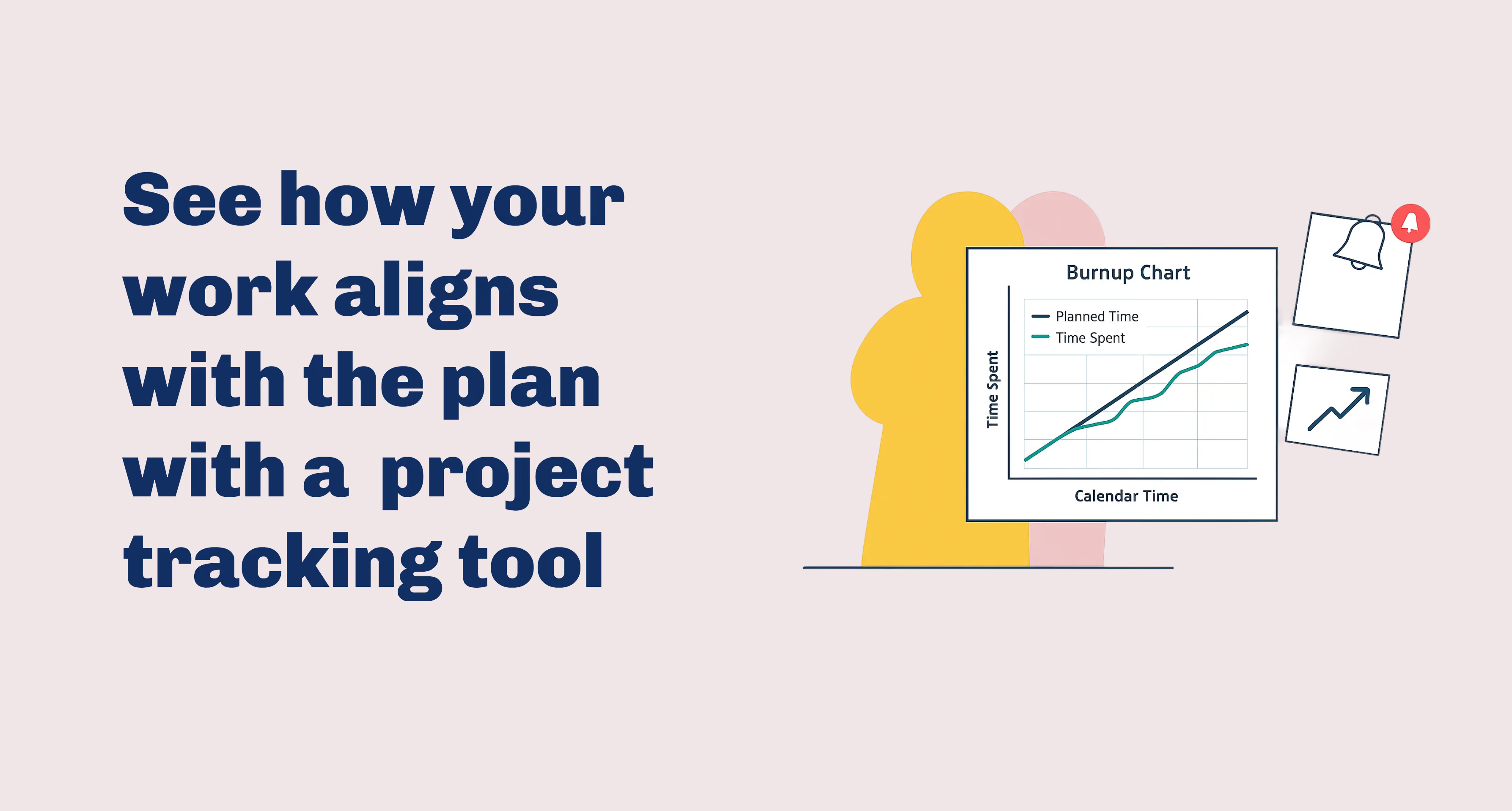
Many project tracking tools include a burnup chart, which shows how much work has been completed relative to the total planned work. Burnups make it easy to see if a project is progressing steadily or if teams are consistently behind the planned curve.
Burnup trends can reveal:
- When a project is falling behind
- When teams are over-delivering early
- Whether re-planning or staffing adjustments are needed
It’s a quick, visual health check that operations leaders and project managers rely on.
Project Phases and Milestones
Most project tracking focuses on phases rather than individual tasks. Phases allow teams to group work into meaningful segments like discovery, design, implementation, or testing. Tracking phase-level progress helps teams understand where bottlenecks form and how work is distributed across the lifecycle.
Work Allocation and Adjustments
Project tracking tools show how team members are allocated across phases and weeks. Managers (or project team members) use these views to:
- Shift allocations when plans change. This should be easily doable in a drag and drop manner.
- Resolve bottlenecks. If you're missing a specific skill set, you want to find the right person quickly.
- Avoid over- or understaffing. A good tool highlights if someone's burning the midnight oil.
- Ensure the right skills are available at the right time.
Because plans rarely stay static, quick adjustments are essential.
Reporting and Insights
Most project tracking systems include reporting around:
- Project health
- Utilization and staffing levels
- Phase completion
- Budget burn
- Delivery margins
- Project risk indicators
On the portfolio level, operations leaders use these reports to compare projects, spot patterns, and understand which types of work consistently run well or struggle.
Who Uses Project Tracking Tools?
Project Managers
Project managers use project tracking to ensure their projects stay aligned with the original plan. They monitor hours, budgets, and phase progress so they can make informed decisions about staffing, client expectations, and delivery timelines.
Operations and Resource Leaders
Operations leaders use project tracking for a broader portfolio view. It helps them spot over-allocation, under-utilization, and gaps in skills or capacity planning. These insights shape hiring decisions, staffing strategies, and long-term resource planning.
Why Teams Use Project Tracking Tools
A good project tracking tool strengthens delivery quality and organizational control.
1. Clear Oversight on All Projects
Teams can see how each project is performing against expectations. Managers no longer rely on gut feeling or outdated spreadsheets. Issues surface early, when they’re still manageable.
2. Early Detection of Bottlenecks
When a phase slows down or hours are burned faster than expected, the tool highlights it. Teams can intervene before delays cascade into bigger problems.
3. Better Staffing and Resource Allocation
Tracking reveals where teams are consistently over- or understaffed. This directly informs hiring plans, skill development, and how work should be distributed across the organization.
4. Insight Into Margins and Cost Drivers
By comparing planned vs actual hours, leaders can see which project types run smoothly and which require more investment than expected. Over time, this helps refine pricing, improve delivery models, and increase profitability.
5. Improved Forecasting
With solid project tracking data, planning future work becomes more accurate. Leaders understand delivery patterns, typical burn rates, and realistic timelines.
Why Project Tracking Matters
Project tracking isn’t just a reporting exercise. It keeps delivery predictable, protects margins, and helps teams make better decisions about staffing and workload. It also helps organizations learn which types of projects work best for them and where operational improvements can have the biggest impact.
In future articles, we can explore how these concepts apply specifically to professional services teams and why accurate project tracking is essential for predictable utilization and profitability.
FAQ
What is a project tracking tool?
A project tracking tool helps teams compare budgeted, planned, and spent hours to understand if delivery is progressing as expected. It highlights burn rates, phase progress, and project health.
Who uses project tracking tools?
Project managers use project tracking tools to monitor project-level performance. Operations and resource leaders use them to analyze portfolio health, capacity, and staffing needs.
What does a project tracking tool measure?
Most tools track budgeted hours, planned hours, spent hours, burnup, staffing levels, project phases, and delivery pace. These insights help teams stay on schedule and within budget.
What are the benefits of using a project tracking tool?
Benefits include better oversight across projects, early visibility into bottlenecks, improved staffing decisions, and clearer insight into margins, cost drivers, and delivery performance.