


The Xero integration for invoicing and month-end reporting
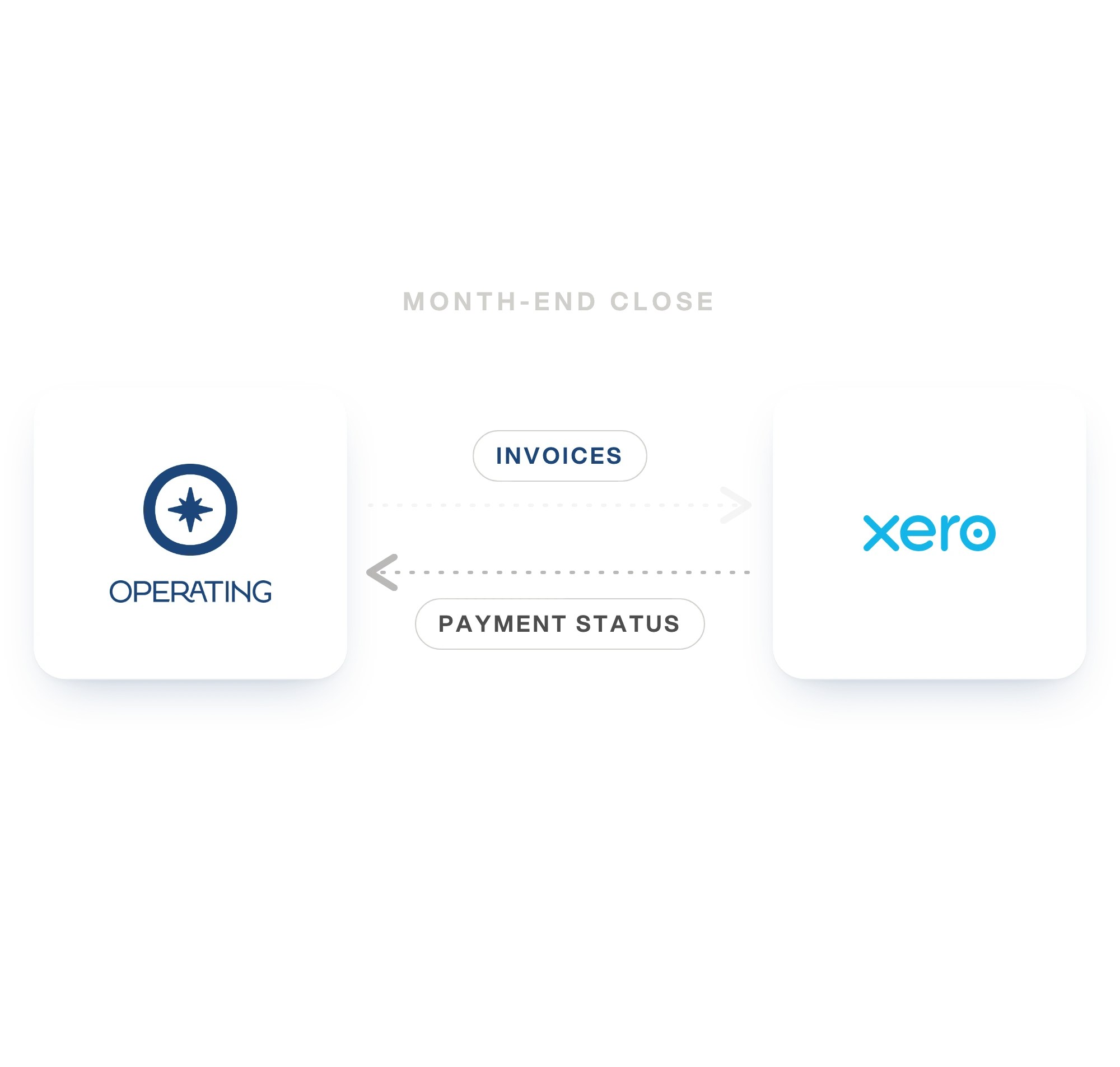
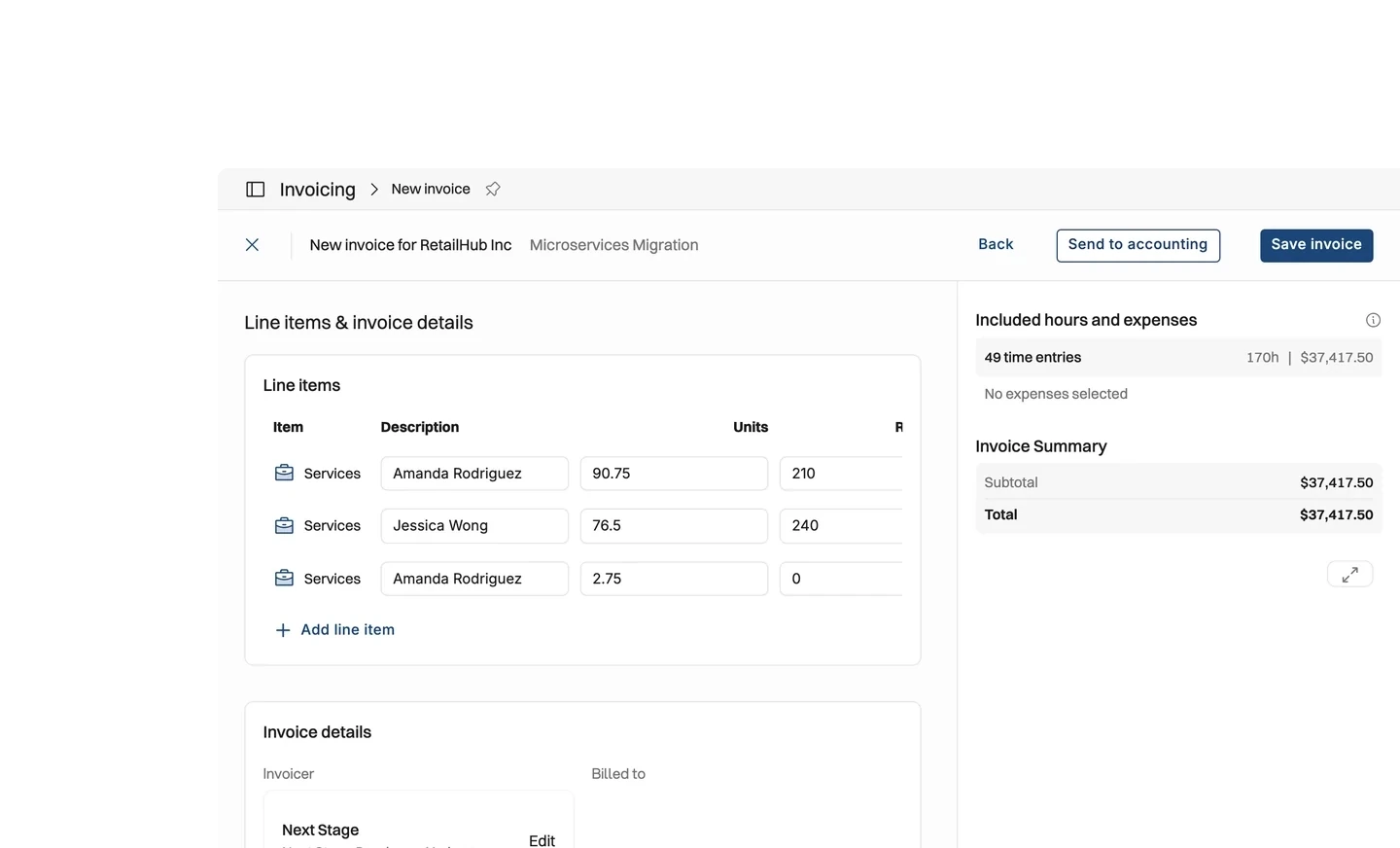
Invoices and credit notes go from Operating to Xero when you press Send to accounting. Payment status, invoice status and tax rates come back on their own. Xero stays the record your accountant works from, and the master for what a client actually paid. Operating shows those figures on the project, beside the budget and the cost tracked against it.
Know what a project earned without opening the ledger
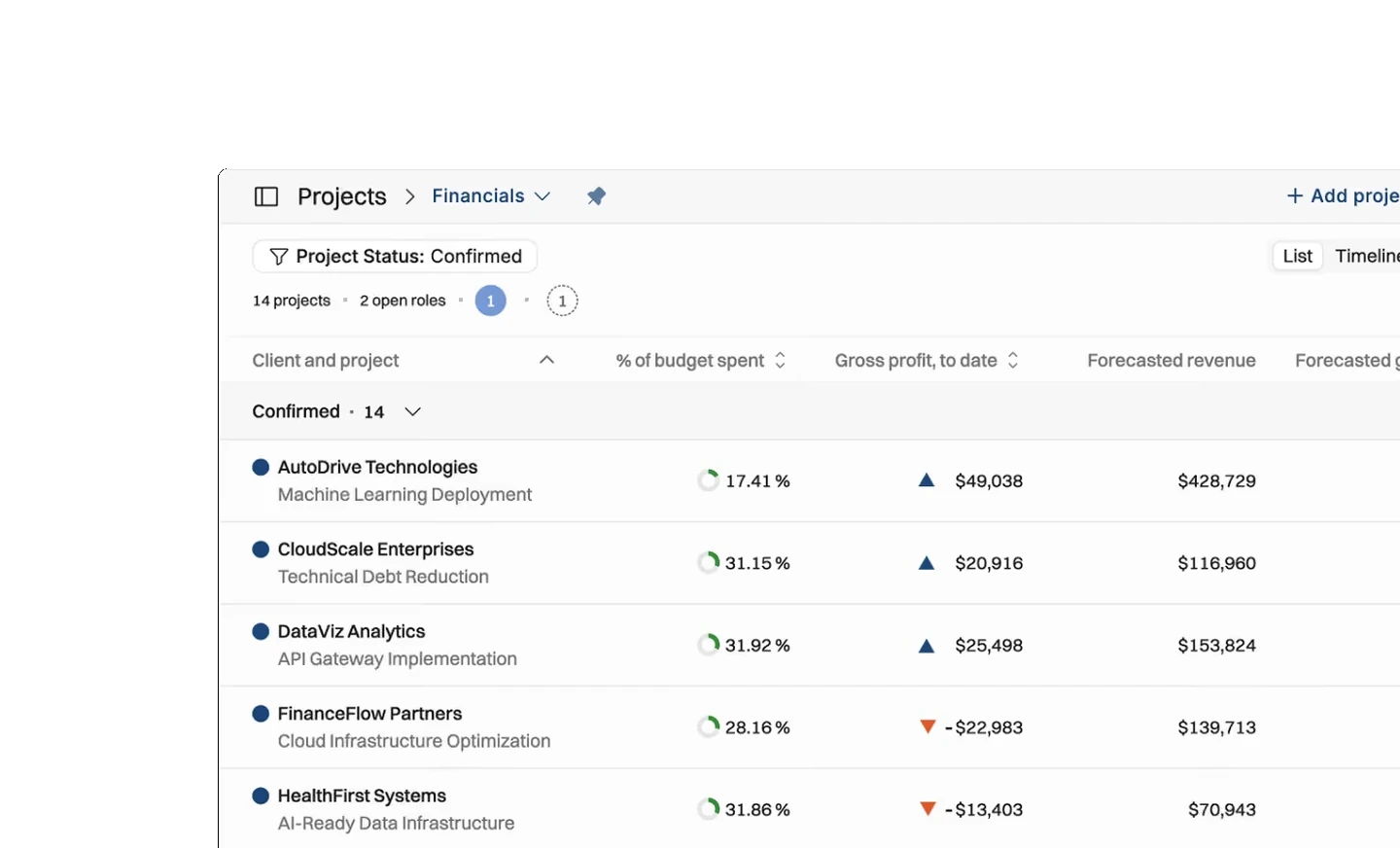
It is the third of the month. Somebody asks whether last month's invoice went out and whether the client paid it. That answer sits in Xero, in a tab nobody on the delivery side keeps open. Operating shows it on the project, beside the budget and the cost tracked against it.
- Read invoiced and paid figures on the project, next to budget and tracked cost
- See which projects are ready to invoice and which are still waiting on payment
- Keep one client list, because clients move in both directions between Operating and Xero
- Invoice in the currency the client is billed in, if your Xero organization uses multicurrency
What moves between Operating and Xero
You decide when an invoice leaves Operating. What happens to it afterwards comes back on its own. Xero sends each change as it is recorded. A payment entered in the morning shows on the project the same morning.
- Invoices and credit notes go to Xero when you press Send to accounting
- Payments, invoice status, tax rates and items come back in real time
- Clients move in both directions, and Xero customer contacts arrive with their addresses
- Billable expenses go to Xero as lines on the invoice they are billed on





What moves between Operating and Xero
Checked against the product on 2026-09-27.
Invoices
When you press Send to accounting
Credit notes
When you press Send to accounting
Payments
In real time, as Xero records them
Invoice status
In real time, as Xero records it
Tax rates, items and tax preferences
In real time
Clients
Customer contacts come in with their addresses
Billable expenses
As lines on the invoice, when you press Send to accounting
What it changes, by role
Finance
The invoice reaches Xero priced as it was raised, with the tax rates your accountant set. Payment status comes back on its own, so the month-end close starts from the ledger rather than a spreadsheet rebuild.
Project managers
Whether last month's invoice went out, and whether it was paid, reads on the project beside the budget and the cost tracked against it. No one has to open the ledger to answer it.
Whoever owns the number
Revenue and margin come from the same records as the timesheets, so the figure you report and the figure your accountant sees have one source.
Questions about the Xero integration
Does Operating send invoices to Xero automatically?
No. An invoice leaves Operating when somebody presses Send to accounting on it, so nothing reaches the accounts before it has been checked.
Can Operating push expenses to Xero?
Yes, as part of an invoice. A billable expense on an Operating invoice goes to Xero as a line on that invoice when you press Send to accounting. An expense that is not on an invoice stays in Operating.
Can one Operating account connect to more than one Xero organization?
Yes. A Xero connection belongs to an Operating company rather than to the whole account, so a group with several legal entities can connect each one to its own Xero organization.
Which system calculates tax when Operating sends an invoice to Xero?
Whichever you choose when the connection is set up. Xero can apply the rates it already holds, or Operating can send the invoice with the tax it was priced with. Invoice numbering is a separate choice of the same kind.
What status do invoices arrive in when Operating sends them to Xero?
Draft, Submitted or Authorised, whichever the connection is set to. Choose Draft when somebody should look at the invoice in Xero before it is approved.
Does a payment recorded in Xero show up in Operating?
Yes. Payments and invoice status come back in real time. A setting decides whether the Operating invoice updates itself or keeps its own state with Xero's shown beside it.
Go deeper



Get the Operating Routine for resource planning
A weekly routine for staffing and capacity, written by people who ran it in their own firms. It gives your resource planning meeting a fixed agenda and a short list of numbers to check. Get the guide.
Thank you!
Get the Staffing Routine by clicking below.
Download guide
