


Connect Flowcase to Operating and staff projects by skill
A staffing plan is only as good as the people list behind it. Availability tells you who is free next month. It says nothing about who has done this kind of work before. Your consultants already keep that record in Flowcase, because they update it every time a CV goes into a proposal. Operating imports those people and their skills, with the categories and levels Flowcase holds, so the two lists never drift apart.
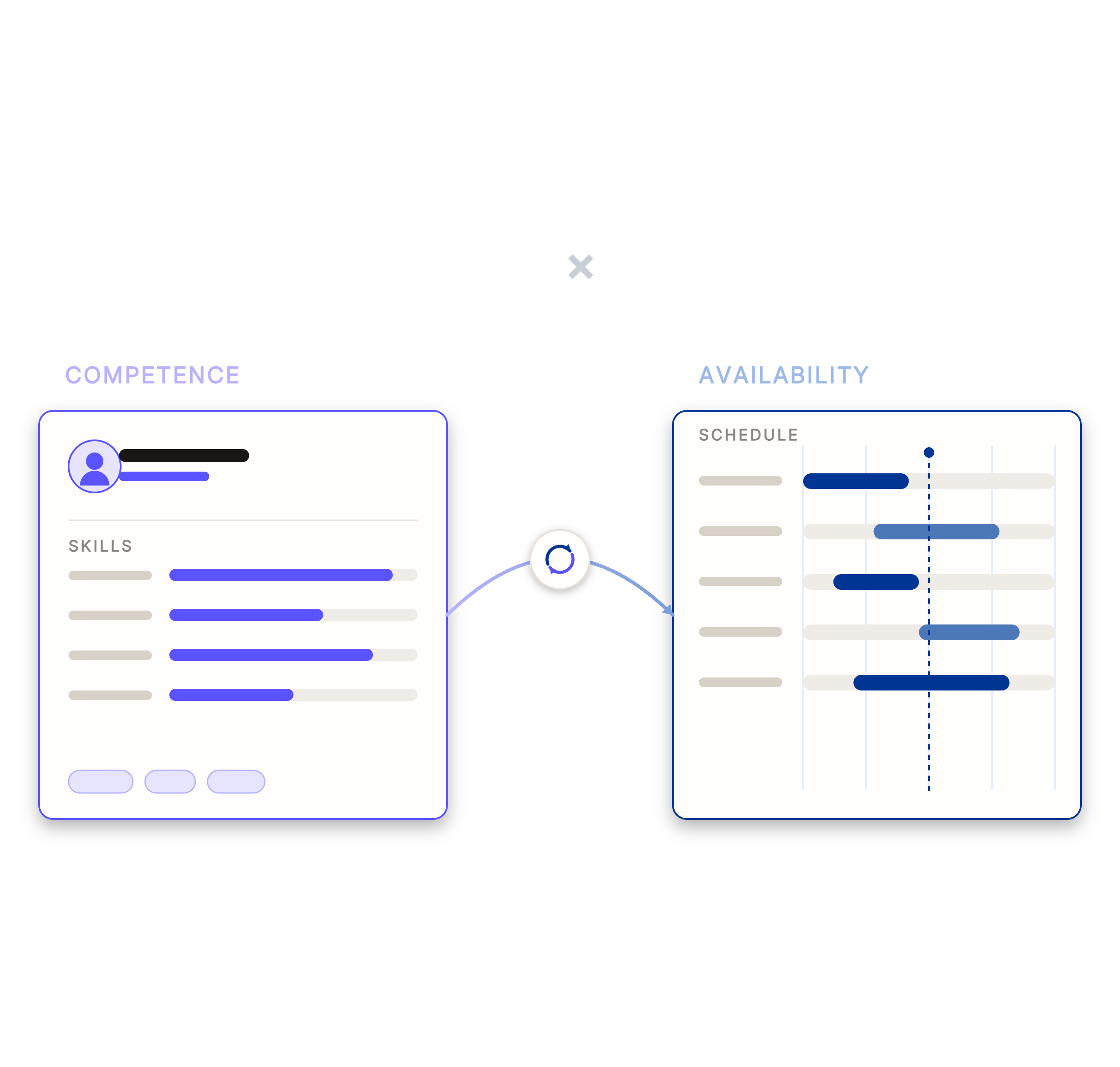
Answer a staffing question from the CV data you already keep
A client asks for two people with Databricks experience, available from November. Today that question turns into a spreadsheet and a round of asking around. Once the Flowcase skills are in Operating, you search for the skill, see the level each person holds, and read their free capacity beside it.
- Search for a skill and see everyone who holds it, at the level Flowcase records
- Keep skill categories and levels exactly as Flowcase defines them
- Stop maintaining a second skills list inside the planning tool
- Answer from data your consultants already keep current for proposals
Match the skill to somebody who is actually free
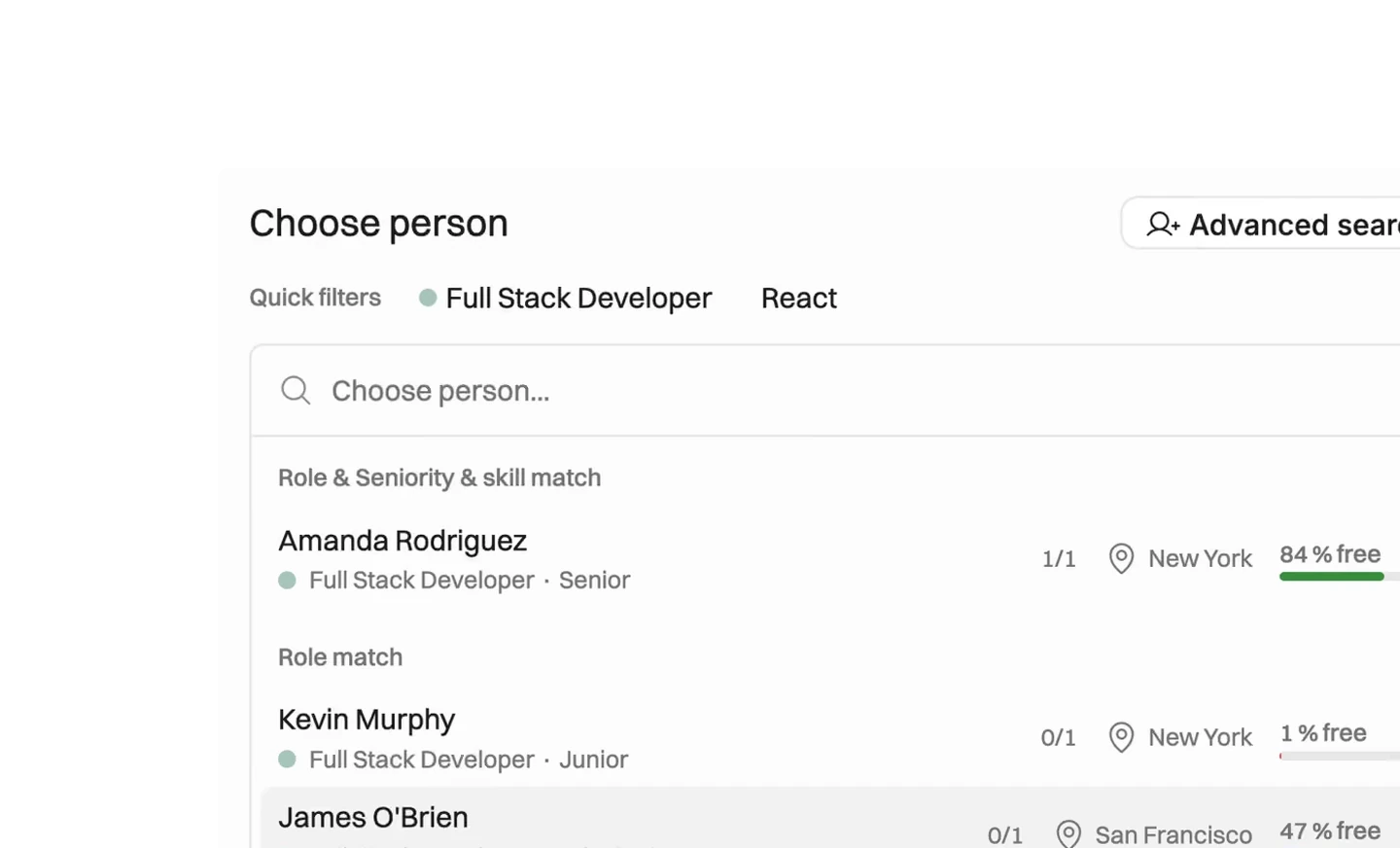
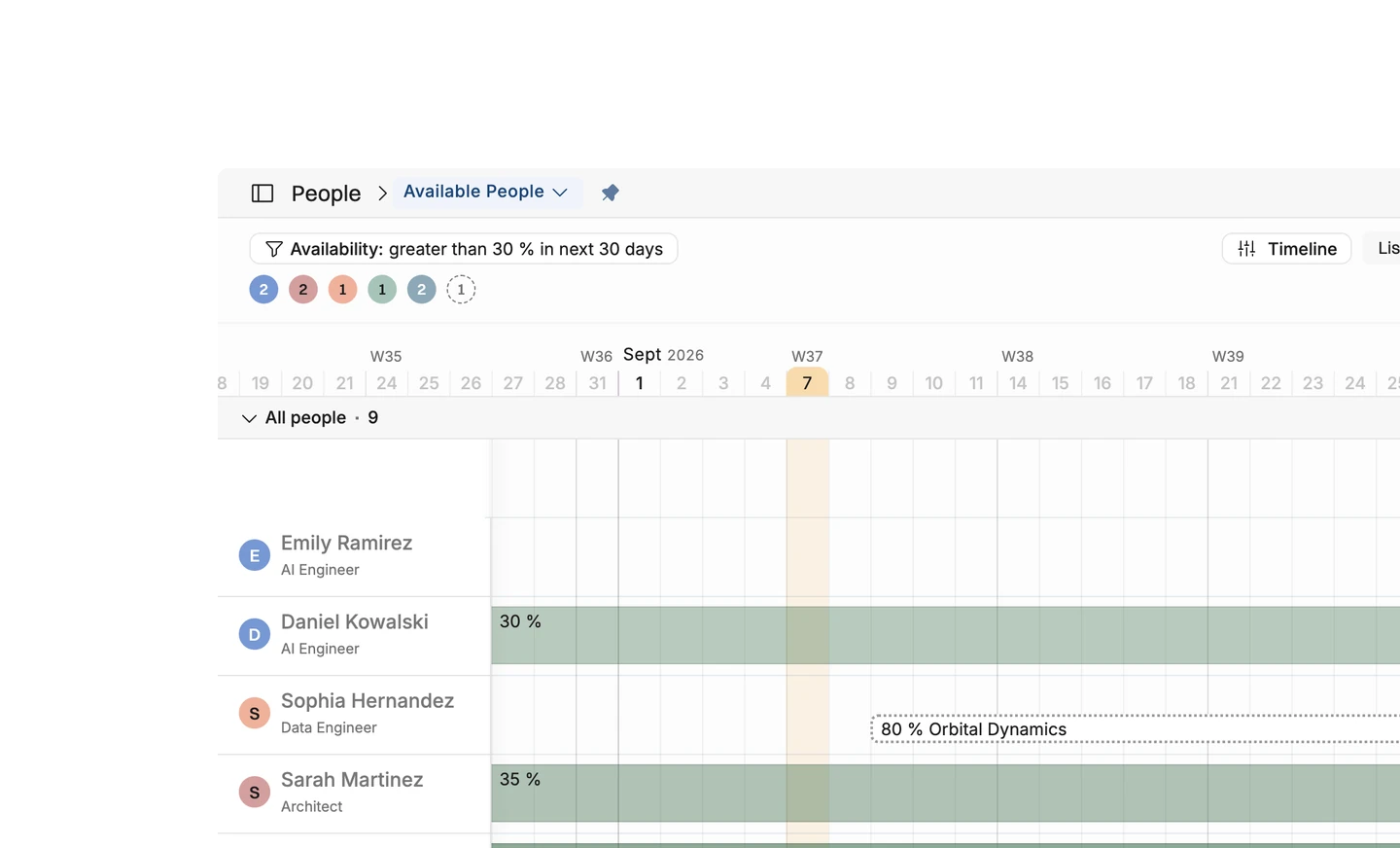
A skill list on its own produces a shortlist that falls apart as soon as somebody checks calendars. Operating holds availability and skills in one place, so the people it puts forward for a role are qualified and free at the same time. Availability is measured over the window you pick, so a role starting in November is judged against November.
- Filter people by availability over the next month, then by skill
- See a free-capacity percentage beside every candidate
- Group candidates by how well they match the role and its seniority
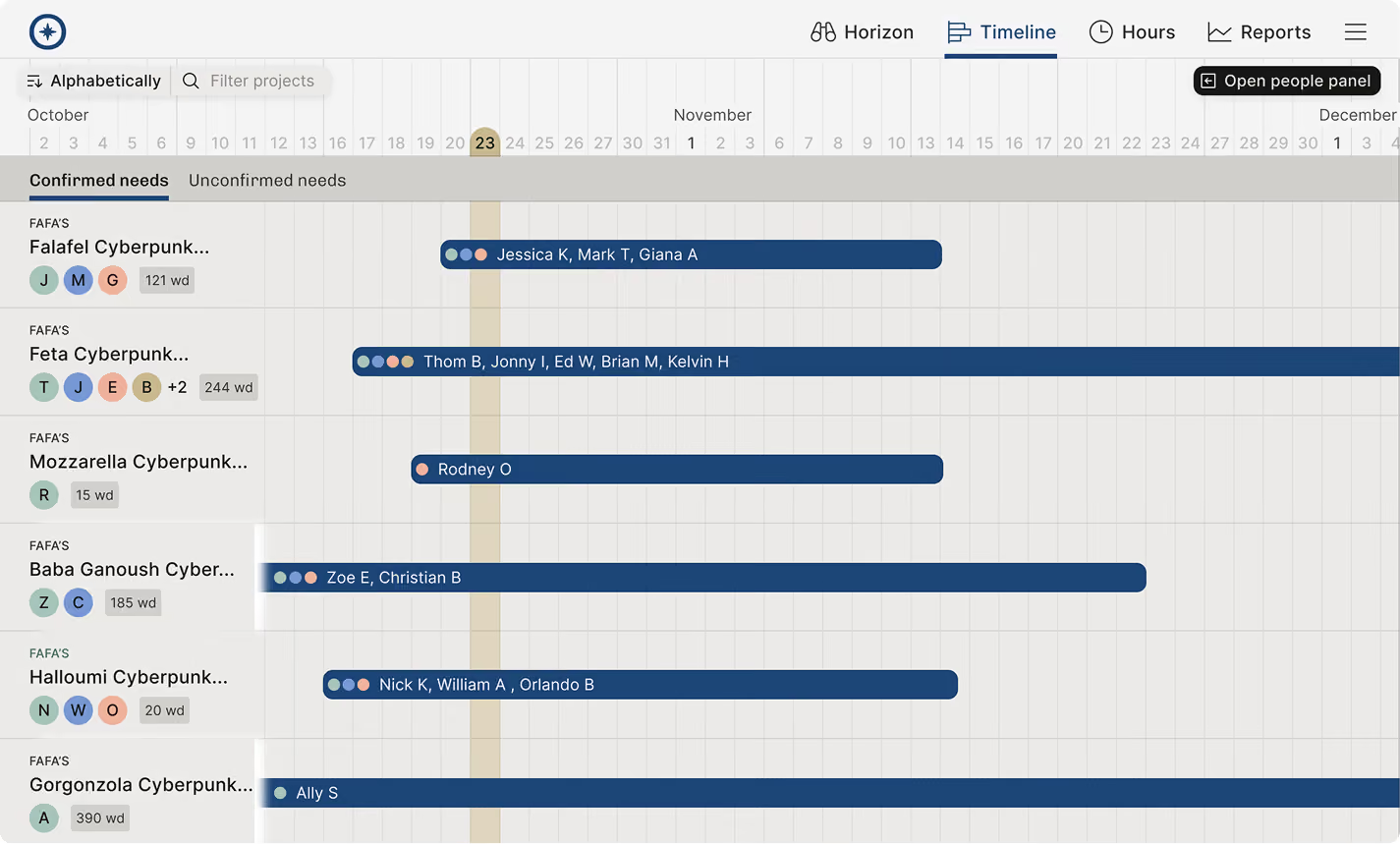
- Fill a proposal team before you promise it to a client





What syncs between Flowcase and Operating
Checked against the product on 2026-09-27.
People who hold at least one skill
When you run the sync
Skill categories
When you run the sync
Skills
When you run the sync
Skill levels
When you run the sync
Person to skill assignments
When you run the sync, and removals are applied
CVs, resumes and case studies
They stay in Flowcase
Anything from Operating
The API key reads only
Questions about the Flowcase integration
Does the Flowcase integration sync automatically?
No. The sync is manual. There is no schedule and no webhook, so somebody runs it in Operating when the CVs have moved on.
Which people does Operating import from Flowcase?
Only people who hold at least one skill in Flowcase. Somebody with an empty skill list never arrives, which is the usual reason a person appears to be missing after a sync.
What happens when a skill is removed from a consultant's CV in Flowcase?
Operating removes it as well. Flowcase is the system of record for skills, so the next sync deletes any assignment that no longer exists there.
Does Operating write anything back to Flowcase?
No. The connection uses a read-only key, so data moves one way and nothing in Operating can change a CV.
What is needed to connect Flowcase to Operating?
A Flowcase API key at read-only administrator level or above, your Flowcase tenant subdomain, and a translation language code for the skill names.
Which skill levels does Operating use after a Flowcase import?
The ones Flowcase already holds. Categories, skills and levels arrive as they are defined in Flowcase, so there is no second taxonomy to keep in step.
Can consultant CVs and case studies be imported from Flowcase?
No. The integration brings people, skill categories, skills, levels and who holds which skill. CVs and case studies stay in Flowcase, where consultants maintain them.
Go deeper



Get the Operating Routine for resource planning
A weekly routine for staffing and capacity, written by people who ran it in their own firms. It gives your resource planning meeting a fixed agenda and a short list of numbers to check. Get the guide.
Thank you!
Get the Staffing Routine by clicking below.
Download guide
