


A PSA platform for consulting firms that integrates with Salesforce CRM
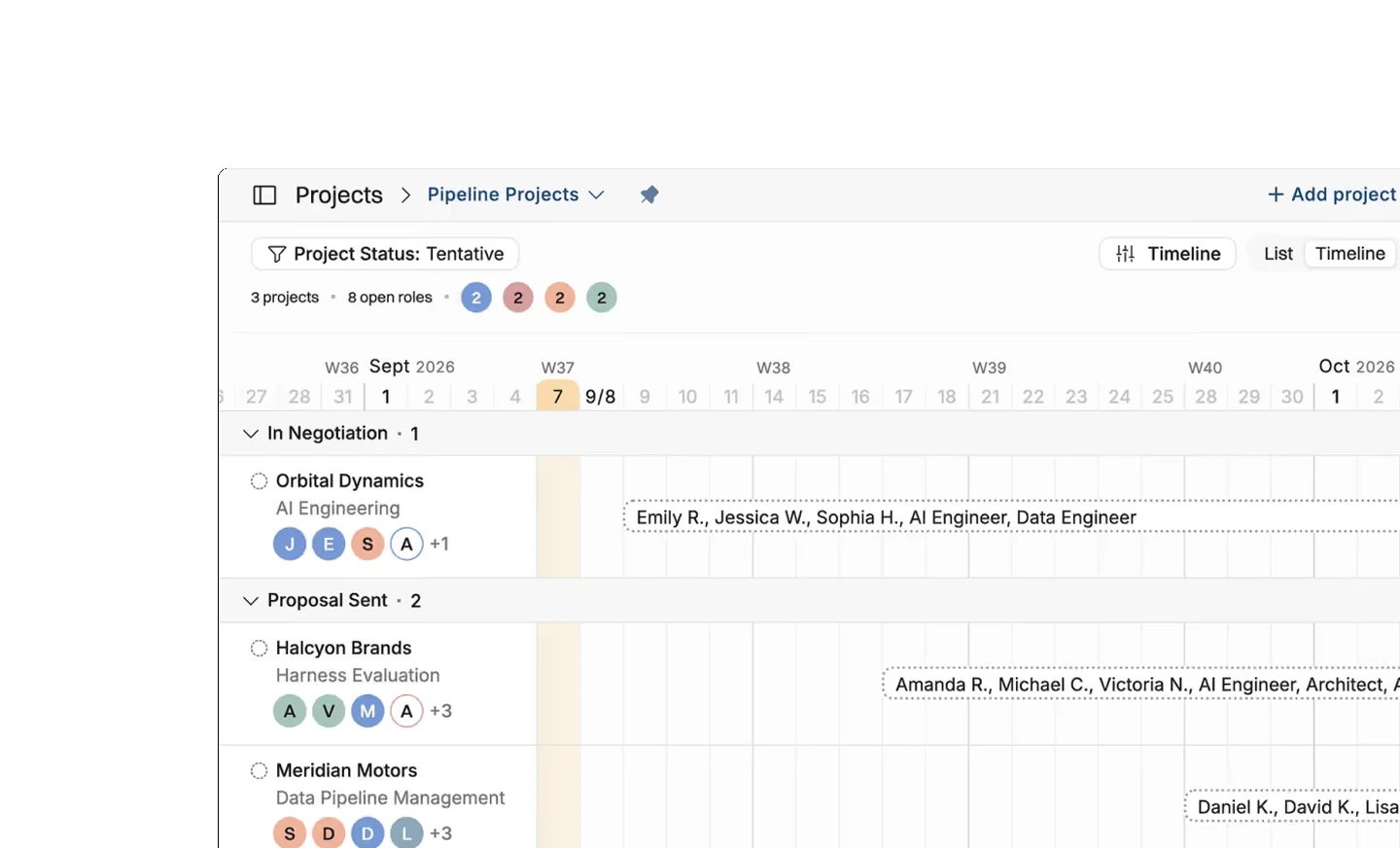
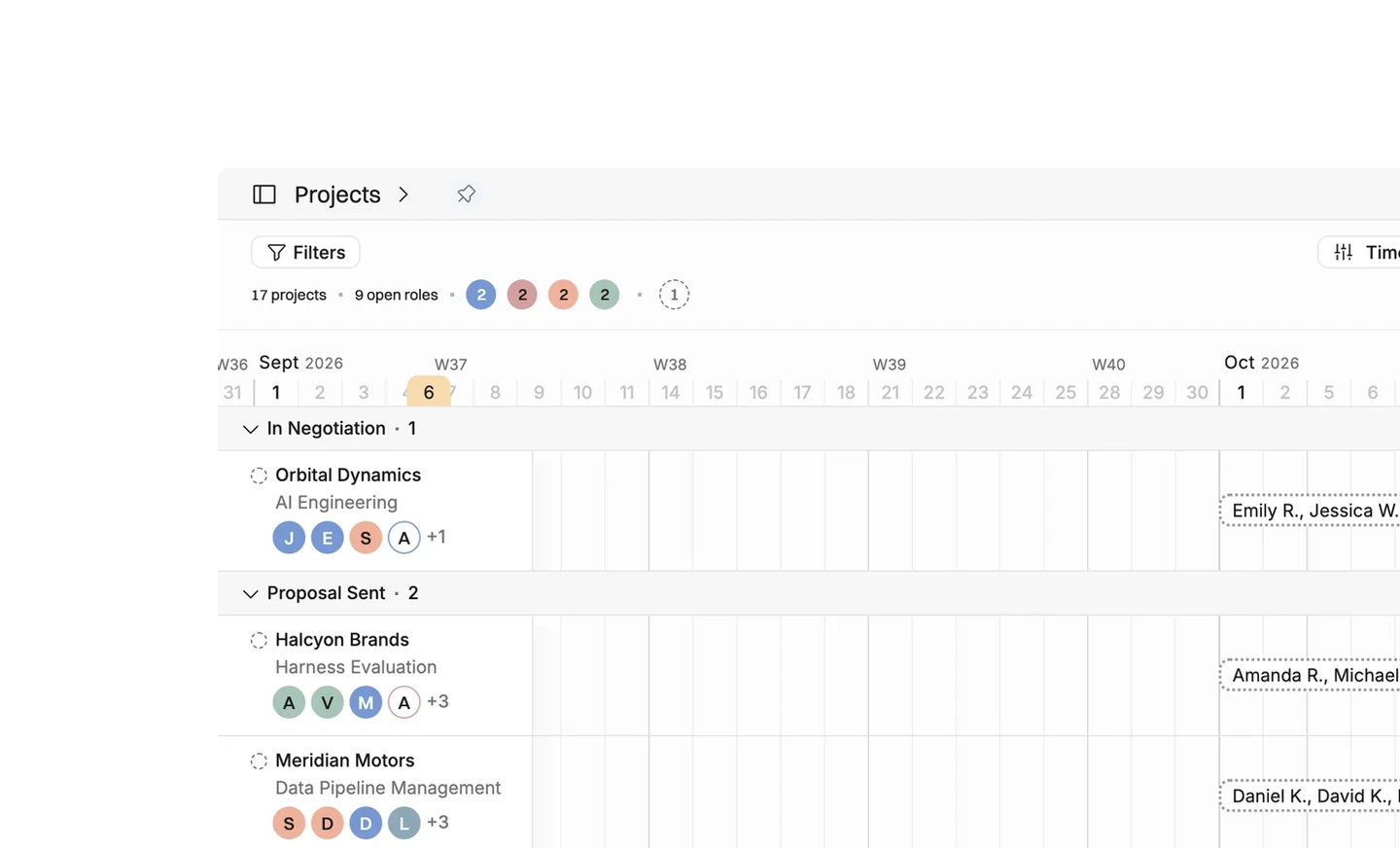
Operating asks you, per opportunity record type, which stages should create a project. An opportunity that reaches one of them appears in Operating as a tentative project. You staff it, price it and forecast from it weeks before it closes. The connection runs one way on webhooks, so Salesforce stays the record of the sale and Operating never writes back into your pipeline.
Know what the pipeline will cost you in people
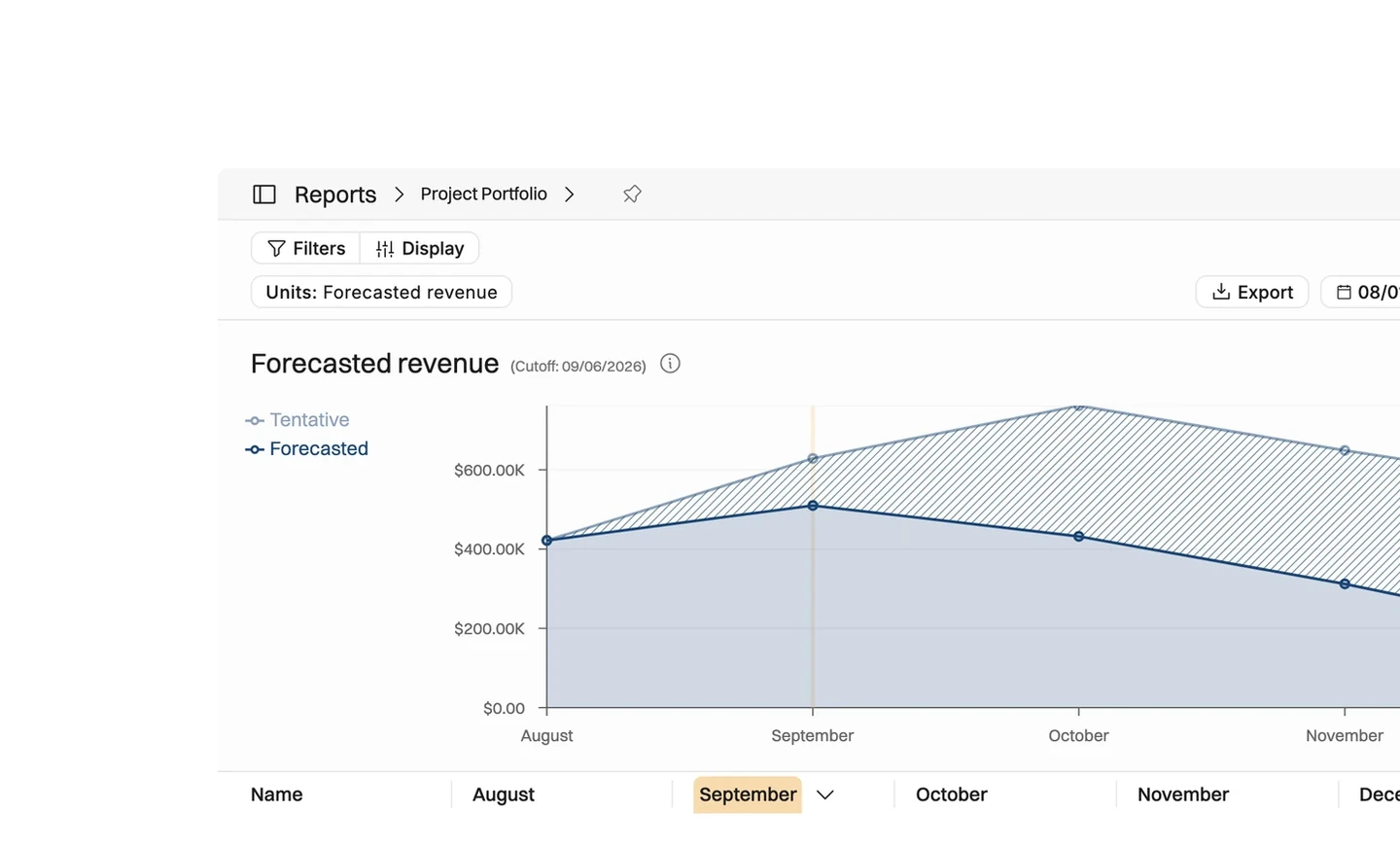
An opportunity reaches Negotiation on a Tuesday and the account team wants a start date by Thursday. The project is already in Operating, with the amount as its budget and the probability attached. You put a team against it, watch what that does to March, and answer with a date the delivery team can actually keep.
- Staff an opportunity with named consultants or with roles you have not filled
- Set the amount on the opportunity against what delivering the work would cost
- See the gross margin an opportunity would make once it is staffed properly
- Give finance a revenue forecast that comes from a staffing plan, not a spreadsheet
What syncs, and what stops syncing after the first import
Operating listens for changes to opportunities, accounts and users, so an edit in Salesforce lands within seconds. Project and client properties keep updating after the first import, and you can switch budget updates on as well.
- Opportunities become tentative projects, accounts become clients, users become people
- Name, owner, amount, probability and close date map without any configuration
- Project and client properties keep updating after the first import; budget properties do not
- Updates apply only where one opportunity is linked to one project, or one account to one client
Installing the package and choosing the integration user
Operating ships as a managed package that a Salesforce administrator installs once. It has not been published on the AppExchange yet, so Salesforce shows a warning about a non-AppExchange application during the install and asks you to confirm. Operating then writes its webhook configuration into the package for you.
- Install the package as a Salesforce administrator and accept the warning Salesforce shows
- Connect with a dedicated integration user rather than somebody's personal login
- Choose the record types, and the opportunity stages within each one, that create a project
- Preview the opportunities that match and filter them further before the first import





What moves from Salesforce into Operating
Checked against the product on 2026-09-27.
Opportunities in the chosen stages
Real time, on a webhook
Name, owner, amount, probability, close date
Real time, on a webhook
Accounts
When an opportunity for them is imported
Users
With the opportunity, as project owners
Project and client property updates
On by default, after the first import
Budget property updates
Switch it on when you want it
Project owner and description
Set them in Operating and the import leaves them alone
Webhook configuration
Written into the managed package at setup
Questions about the Salesforce integration
Is the Operating package for Salesforce available on the AppExchange?
Not yet. Operating ships as a managed package that a Salesforce administrator installs directly, and Salesforce shows a warning about installing a non-AppExchange application. You confirm the warning to continue, and the install is a one-time job.
Do Salesforce opportunity changes keep updating a project after it is created?
Project and client properties do, from the first import onward. Budget updates are a separate switch you can turn on. The project owner and description are yours to set in Operating, and the import leaves them alone.
Why do some Salesforce updates not reach the project they created?
Automatic updates only apply where exactly one opportunity is linked to a project, or exactly one account to a client. Where several are linked, Operating leaves the record alone rather than guessing which one should win.
Can different Salesforce record types use different opportunity stages?
Yes, and that is how it is meant to be set up. You choose the record types you want, then the stages within each one that create a project, and at least one stage has to be selected.
Which Salesforce user should be used to connect the integration?
A stable one, either an administrator or a dedicated integration user. A personal account can be deactivated when somebody leaves, and the connection stops with it.
Does Operating write anything into Salesforce?
Only the webhook configuration it puts into its own managed package while you are setting the connection up. No project, allocation or financial data is ever pushed back into the CRM.
Go deeper



Get the Operating Routine for resource planning
A weekly routine for staffing and capacity, written by people who ran it in their own firms. It gives your resource planning meeting a fixed agenda and a short list of numbers to check. Get the guide.
Thank you!
Get the Staffing Routine by clicking below.
Download guide
