


The QuickBooks Online integration for invoicing and payment status
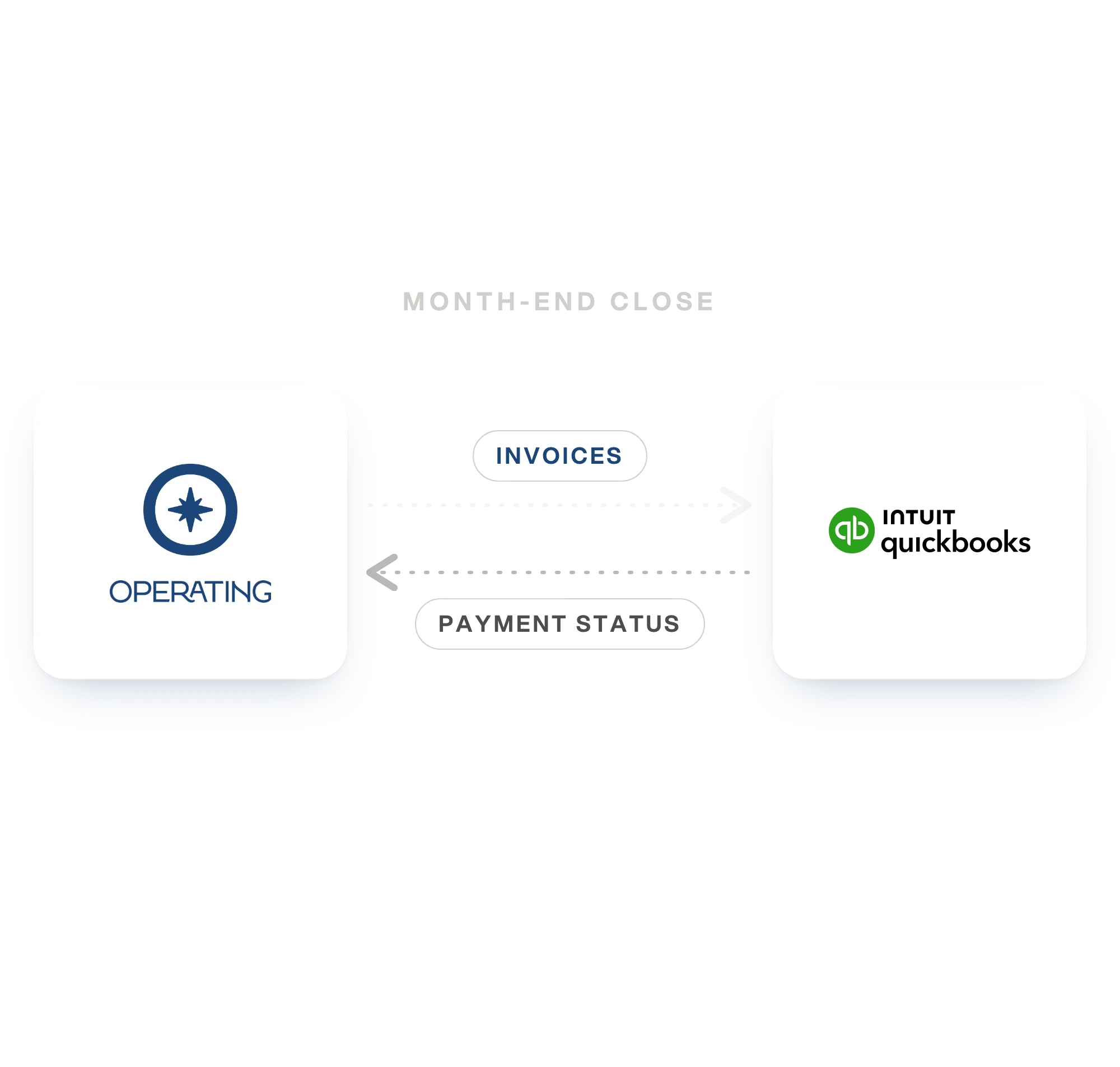
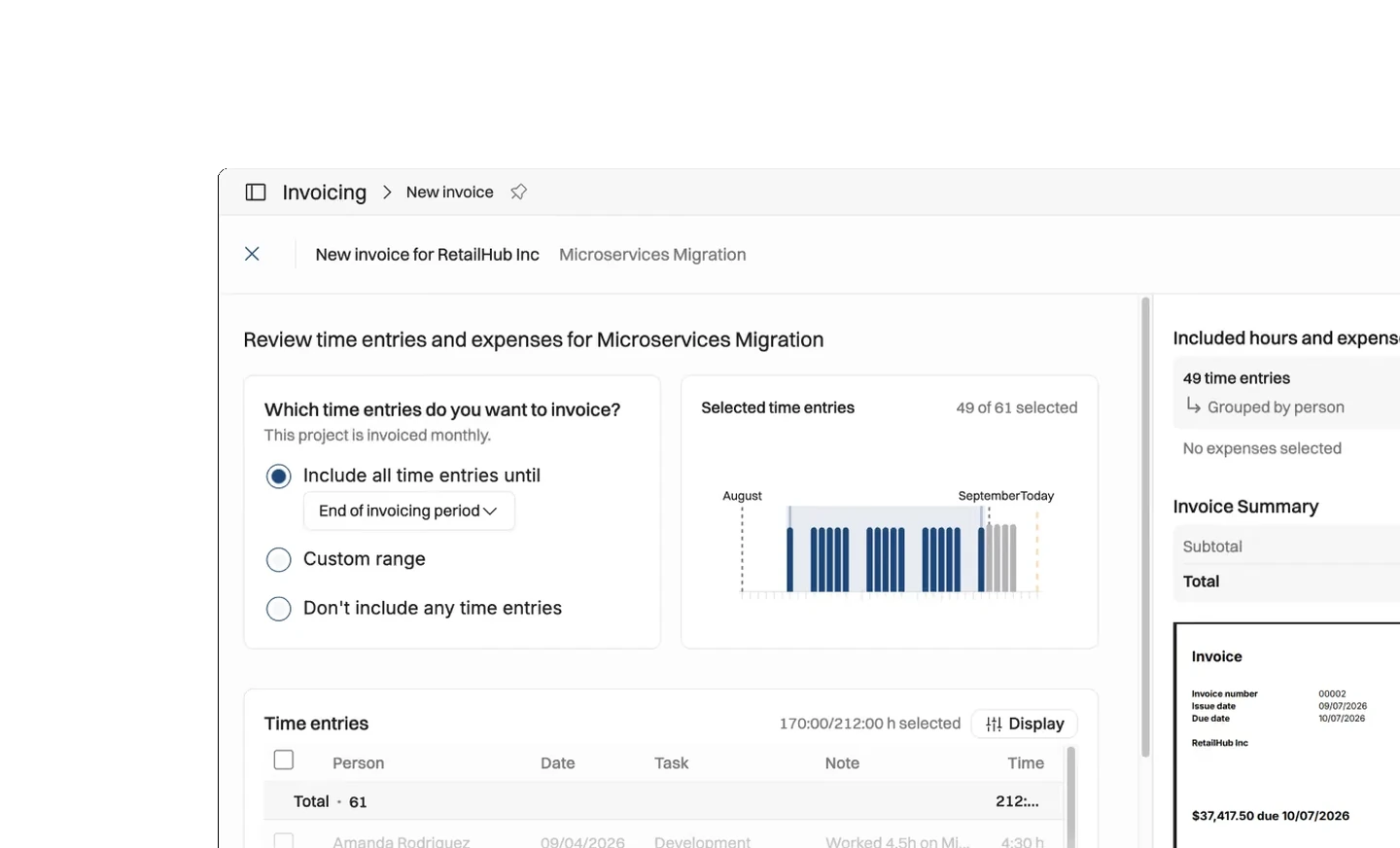
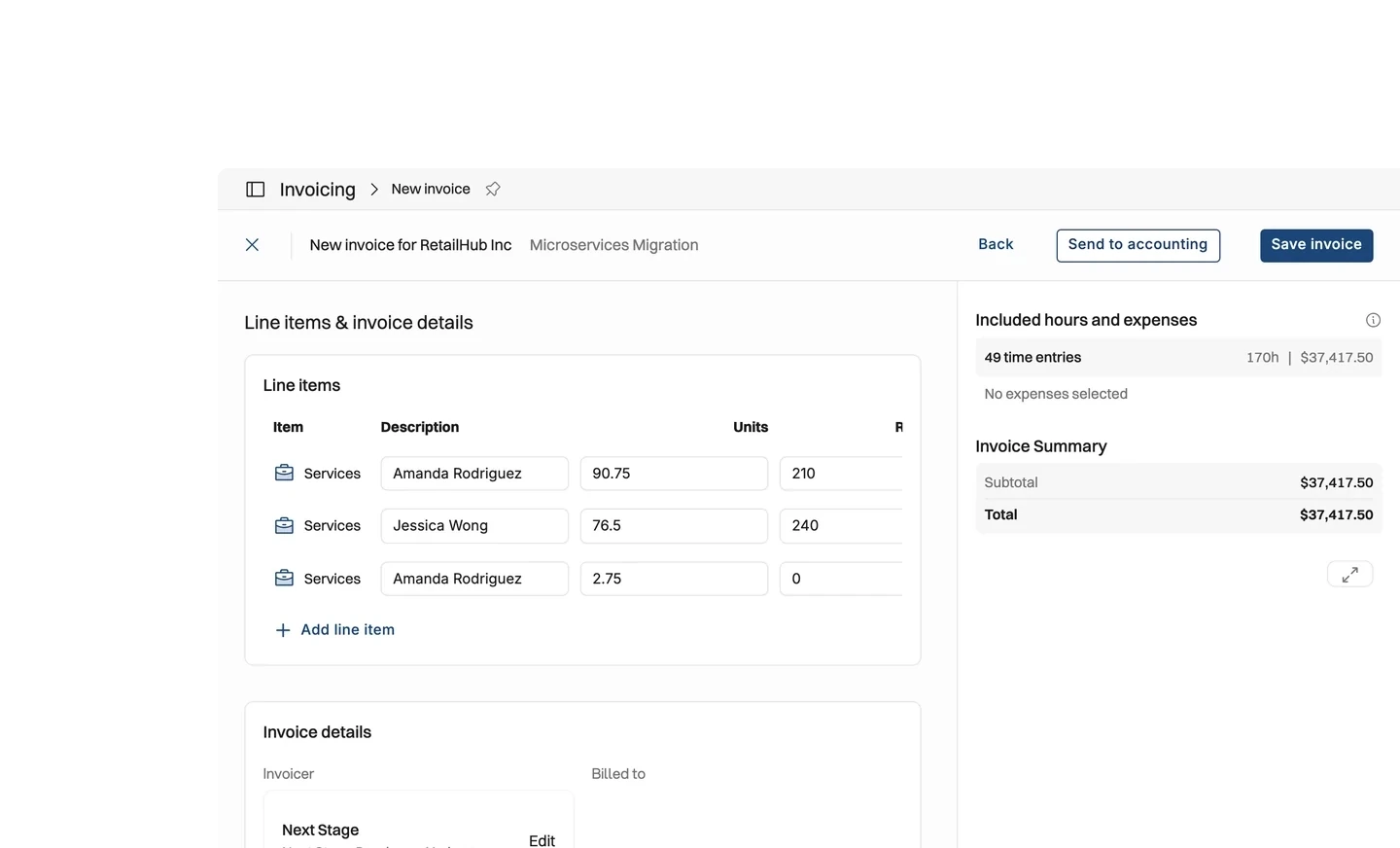
Build an invoice in Operating from approved hours and expenses, then send it to QuickBooks Online in one step. QuickBooks takes it from there, and the payment status comes back to the project. Customers, tax codes and items are read from QuickBooks, so the invoice is built from records your books already hold rather than typed a second time.
Stop retyping invoices into QuickBooks
The invoice is already built in Operating from approved hours and expenses. Somebody then types it again into QuickBooks, reading it off a PDF. The second copy is where the errors get in. By the quarter's end the two systems disagree.
- Build the invoice from tracked time and expenses, then send it in one step
- Send credit memos the same way, with no separate process for a correction
- Find the QuickBooks customer as you invoice, or create one if it is missing
- Read paid and outstanding amounts on the project, not only in the books
What moves between Operating and QuickBooks Online
The connection covers customer invoicing. Operating sends invoices and credit memos out, and QuickBooks answers with what has happened to them. Customers, items and tax codes come the other way. An invoice is built from the records your books already hold.
- Invoices and credit memos go out to QuickBooks when you send them
- Payments and invoice status come back, so a paid invoice reads as paid in Operating
- Customers, items and tax codes come in from QuickBooks and are used while invoicing
- A client on its own does not push across; the customer is found or created as you invoice
Margin stays current between invoices
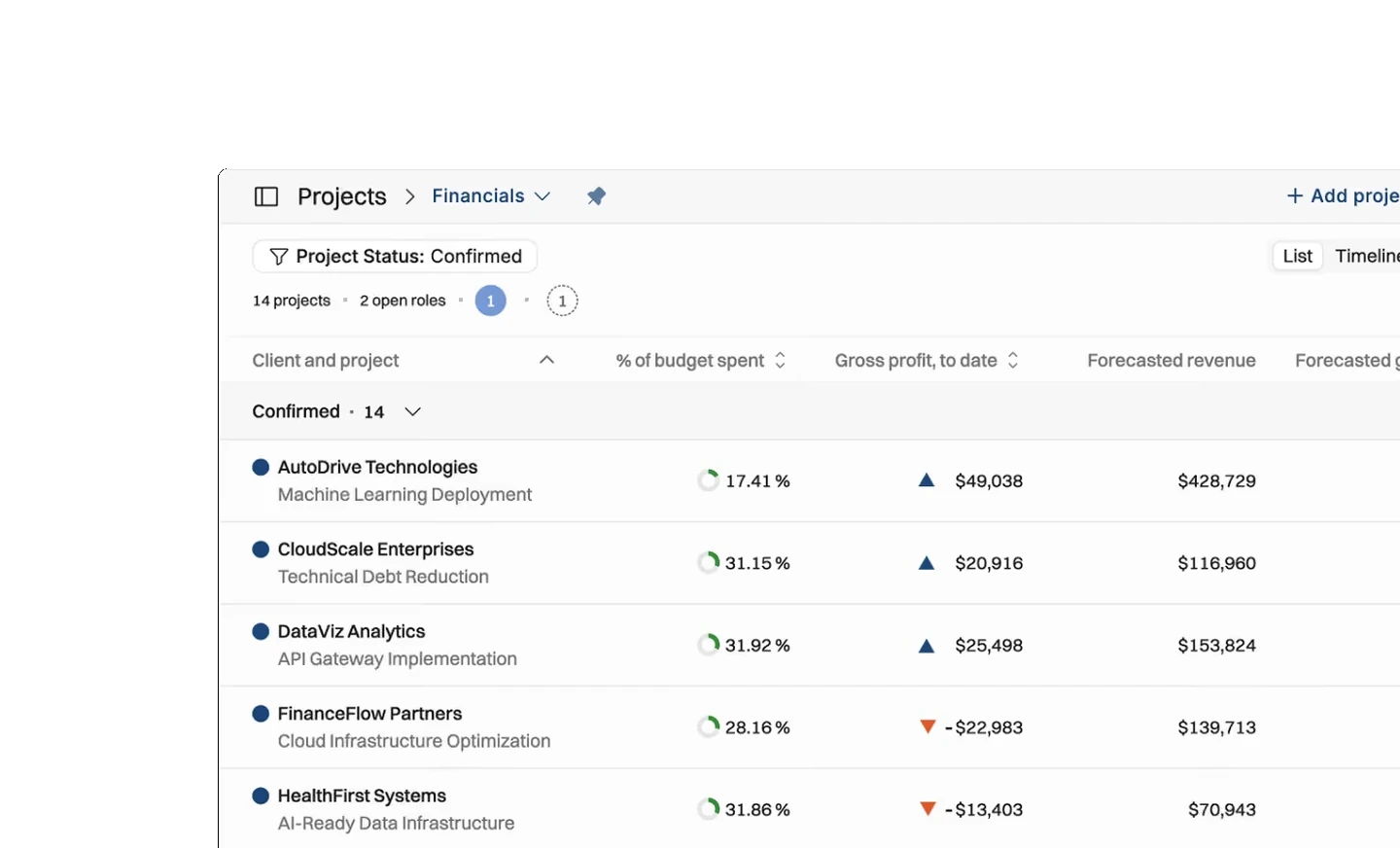
Once payments come back from QuickBooks, a project's financials read from one place. You see the budget and the cost tracked against it. Invoiced and paid amounts sit on the same screen. Nobody waits for a month-end export.
- Compare budget, tracked cost and forecast margin on every live project
- See invoiced and paid amounts against the project that earned them
- Spot a project that is over budget before the invoice for it is raised
- Report on revenue without exporting the ledger into a spreadsheet





What moves between Operating and QuickBooks Online
Checked against the product on 2026-09-27.
Invoices
When you send the invoice
Credit memos
When you send the credit memo
Payments
As QuickBooks records them
Invoice status
As QuickBooks records it
Billable expenses
As lines on the invoice they are billed on
Customers
In from QuickBooks; out only while invoicing
Items, tax codes and preferences
Used when the invoice is built
A client on its own
A customer is found or created as part of invoicing
What it changes, by role
Finance
Invoices and credit memos arrive in QuickBooks built from approved hours and expenses, using the customers and tax codes already in your books. Nothing is typed twice, so the two systems do not drift apart.
Project managers
Invoiced and paid amounts sit on the project next to the budget, so a project going over shows up before the next invoice is raised.
Whoever owns the number
Margin on live work reads from one place, without exporting the ledger to reconcile it.
Questions about the QuickBooks Online integration
Does Operating integrate with QuickBooks Online?
Yes. Operating connects to QuickBooks Online through Intuit's sign-in and covers invoicing. Invoices and credit memos go out, and payments, invoice status, customers, items and tax codes come in.
Can Operating create a customer in QuickBooks Online?
Yes, as part of invoicing. Operating finds the matching QuickBooks customer or creates one while the invoice is sent. Pushing a client on its own, with no invoice attached, is not supported.
Does a payment recorded in QuickBooks Online show in Operating?
Yes. Payments and invoice status come back to Operating. A setting decides whether the Operating invoice updates itself or keeps its own state with the QuickBooks state shown beside it.
Can Operating send expenses or supplier bills to QuickBooks Online?
Billable expenses, yes, as lines on the project invoice they are billed on. Supplier bills, no. The connection covers customer invoicing, so an expense that is not on an invoice stays in Operating.
Who issues the invoice number when Operating pushes an invoice to QuickBooks Online?
Either system can, and you set it on the connection. One of them issues the numbers and the other records what it was given.
Go deeper



Get the Operating Routine for resource planning
A weekly routine for staffing and capacity, written by people who ran it in their own firms. It gives your resource planning meeting a fixed agenda and a short list of numbers to check. Get the guide.
Thank you!
Get the Staffing Routine by clicking below.
Download guide
