


Use Operating in Claude Desktop and Claude Code
Ask Claude which consultants are free in November, what a project's margin looks like today, or whether last week's timesheets are ready to bill. Claude reads it out of Operating and answers, so nobody has to build a report to find out. The connection is the Operating MCP server, and your own permissions come with you. Claude sees the projects and people you would see when you sign in, and it can change the same things you could change.
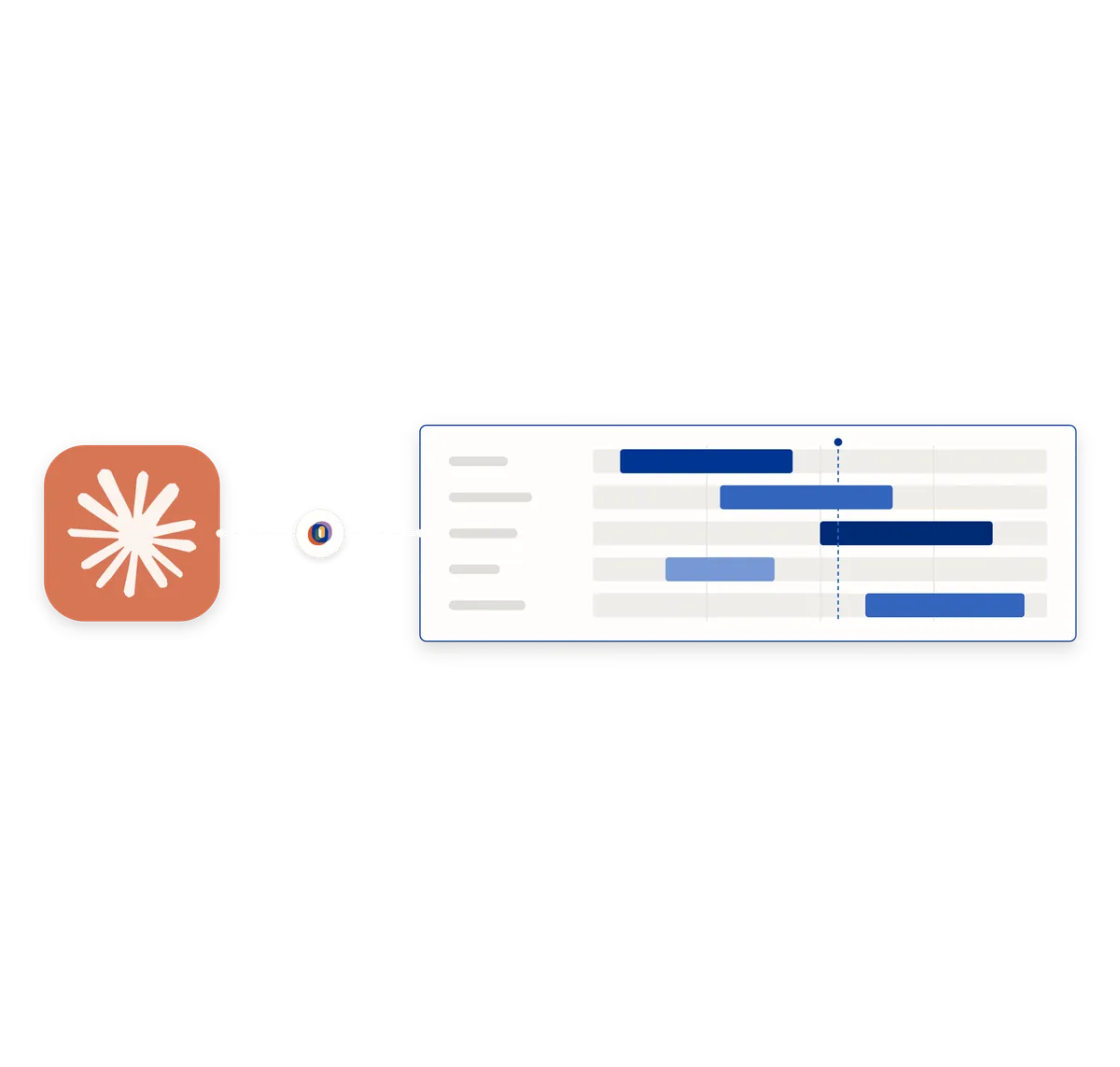
Ask the question instead of building the report
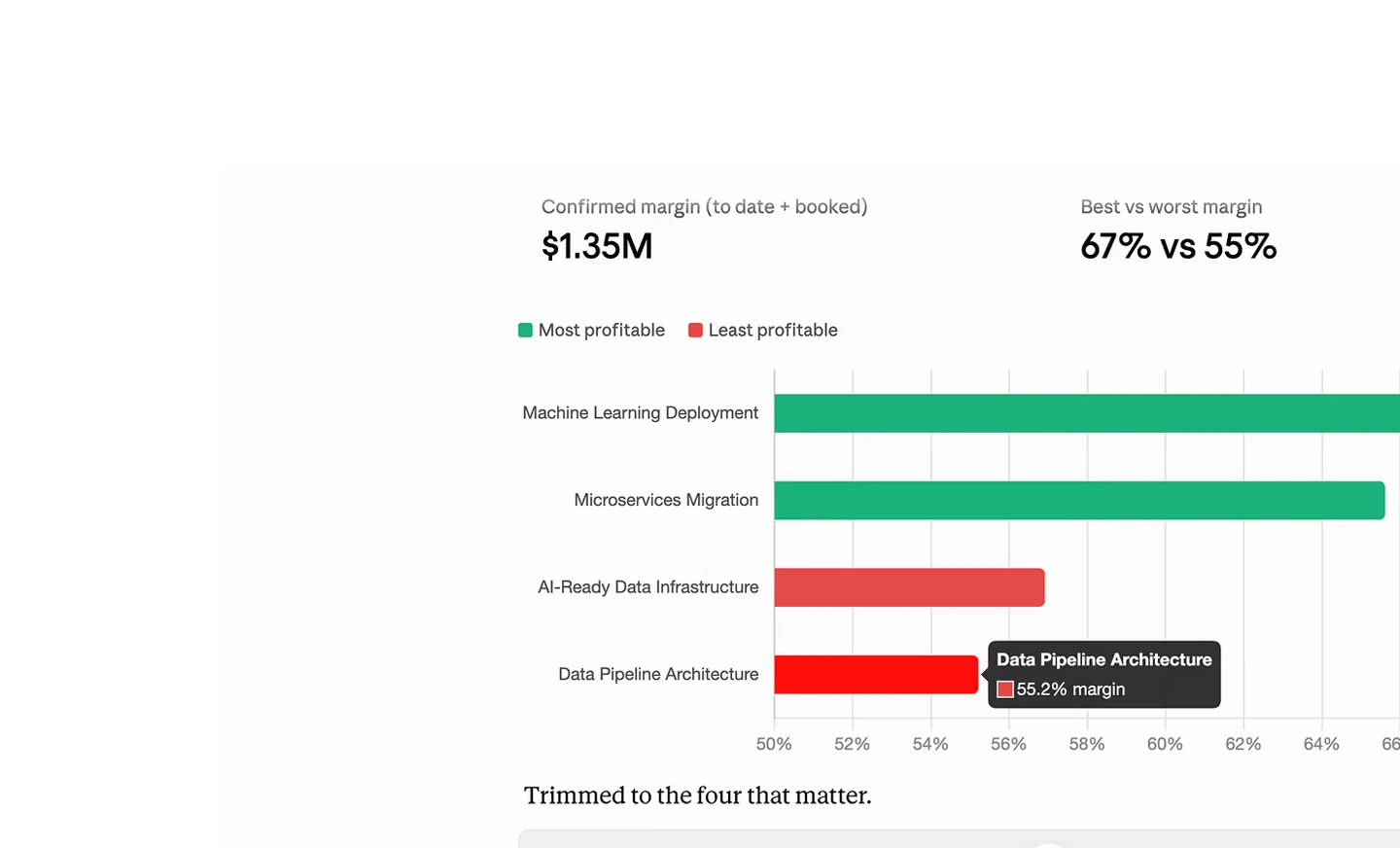
A margin question usually turns into a small project of its own. You export the hours, pull the rates and build a sheet. Asked in Claude it is one sentence, and the follow-up costs nothing either.
- Which projects lost margin this quarter, and what changed on them
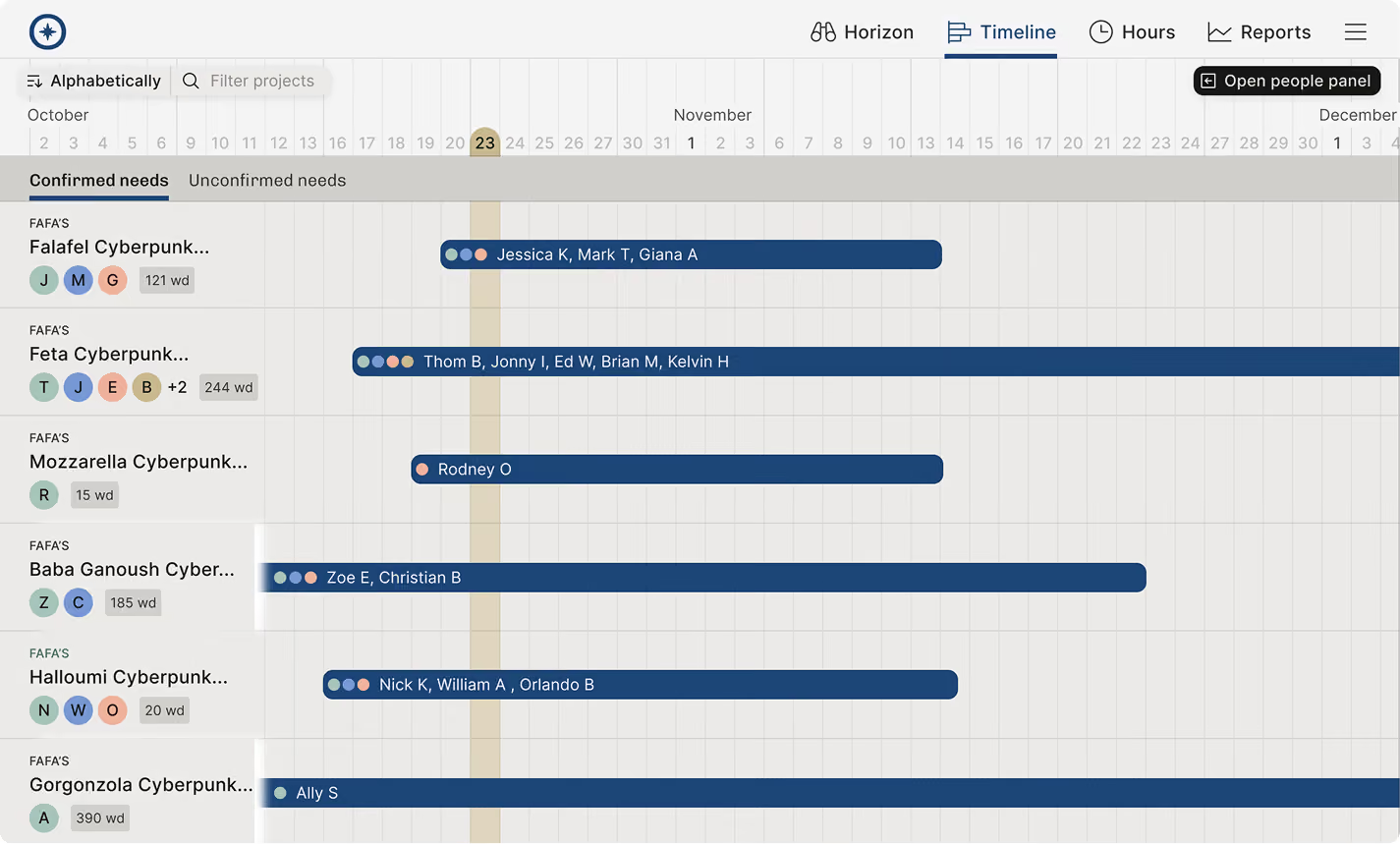
- Who has capacity in the next six weeks, with the skills a proposal needs
- Turn a statement of work into a staffed project, phases and positions included
- Check which invoices are ready to send and which are still waiting on approvals
Add it once, in the app or in the terminal
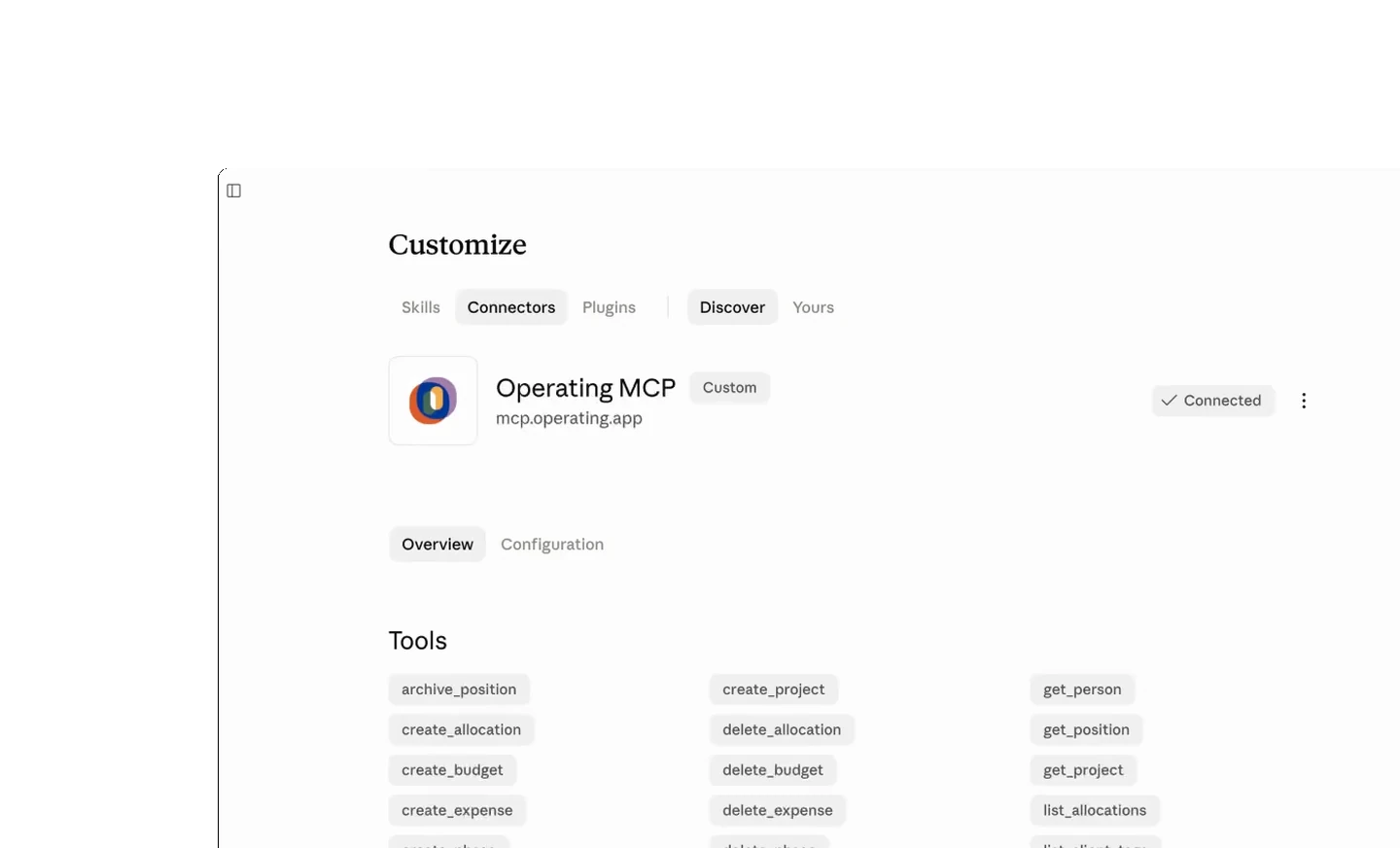
Add a custom connector in Claude Desktop or Claude on the web. Point it at https://mcp.operating.app/mcp, then sign in with your Operating account.
- In Claude Code, run claude mcp add --transport http --scope user operating https://mcp.operating.app/mcp
- Sign-in is OAuth, so no API key is pasted into a configuration file
- Claude for Excel reaches the same server, for the people who would rather work in a sheet
- Ask Claude to call list_tenants first if your account covers more than one Operating tenant





Where the Operating connector works in Claude
Checked against the product on 2026-09-27.
Claude Desktop
Add a custom connector in settings, then sign in with your Operating account
Claude on the web
The same custom connector, added in settings
Claude Code
claude mcp add --transport http --scope user operating https://mcp.operating.app/mcp
Claude for Excel
Uses the same MCP server and the same sign-in
Questions about using Operating in Claude
How do you connect Operating to Claude?
Add a custom connector in Claude's settings pointing at https://mcp.operating.app/mcp, then sign in with your Operating account. Sign-in is OAuth, so there is no API key to copy.
How do you add the Operating MCP server to Claude Code?
Run claude mcp add --transport http --scope user operating https://mcp.operating.app/mcp, then sign in when Claude Code prompts you. The user scope makes it available in every project on that machine.
Can Claude create projects and log time in Operating, or only read data?
It can do both. Projects, phases, positions, allocations, budgets, expenses, clients, people and time entries can be written, within the permissions of the person signed in.
Does Claude see everything in a company's Operating account?
No. It sees what the signed-in person sees. The permissions that apply in the interface apply through the connector as well, and an administrator can switch individual tools off for a user.
Can Claude undo a change it made in a connected system?
Not automatically. Writes through the Operating MCP server are live, with no sandbox and no draft mode, so a change has to be corrected the same way any other change would be.
Does the Operating connector work in Claude for Excel?
Yes. Claude for Excel reaches the same MCP server with the same sign-in, which suits people who want the answer in a sheet rather than in a chat.
Go deeper



Get the Operating Routine for resource planning
A weekly routine for staffing and capacity, written by people who ran it in their own firms. It gives your resource planning meeting a fixed agenda and a short list of numbers to check. Get the guide.
Thank you!
Get the Staffing Routine by clicking below.
Download guide