


Use Operating in ChatGPT
Log the week's hours, record the expenses from a client trip, check which invoices are ready to send, and ask what next month's staffing looks like, all inside ChatGPT. The answers come out of your own Operating data rather than a copy of it. You add Operating once as a connector in ChatGPT's settings, then switch it on in the chats where you want it. Your Operating permissions come with you, so ChatGPT sees what you would see when you sign in.

The time entries that usually wait until Friday
Time entries and expenses get put off, because opening another system breaks whatever you were in the middle of. With ChatGPT already open, the entry takes a sentence, so the week does not pile up.
- Log time against a project or a task, for yesterday or for the whole week
- Record a billable or non-billable expense with its vendor and category
- Paste a table of rows and have them all created in one go
- Ask which of your projects are missing hours before the month closes






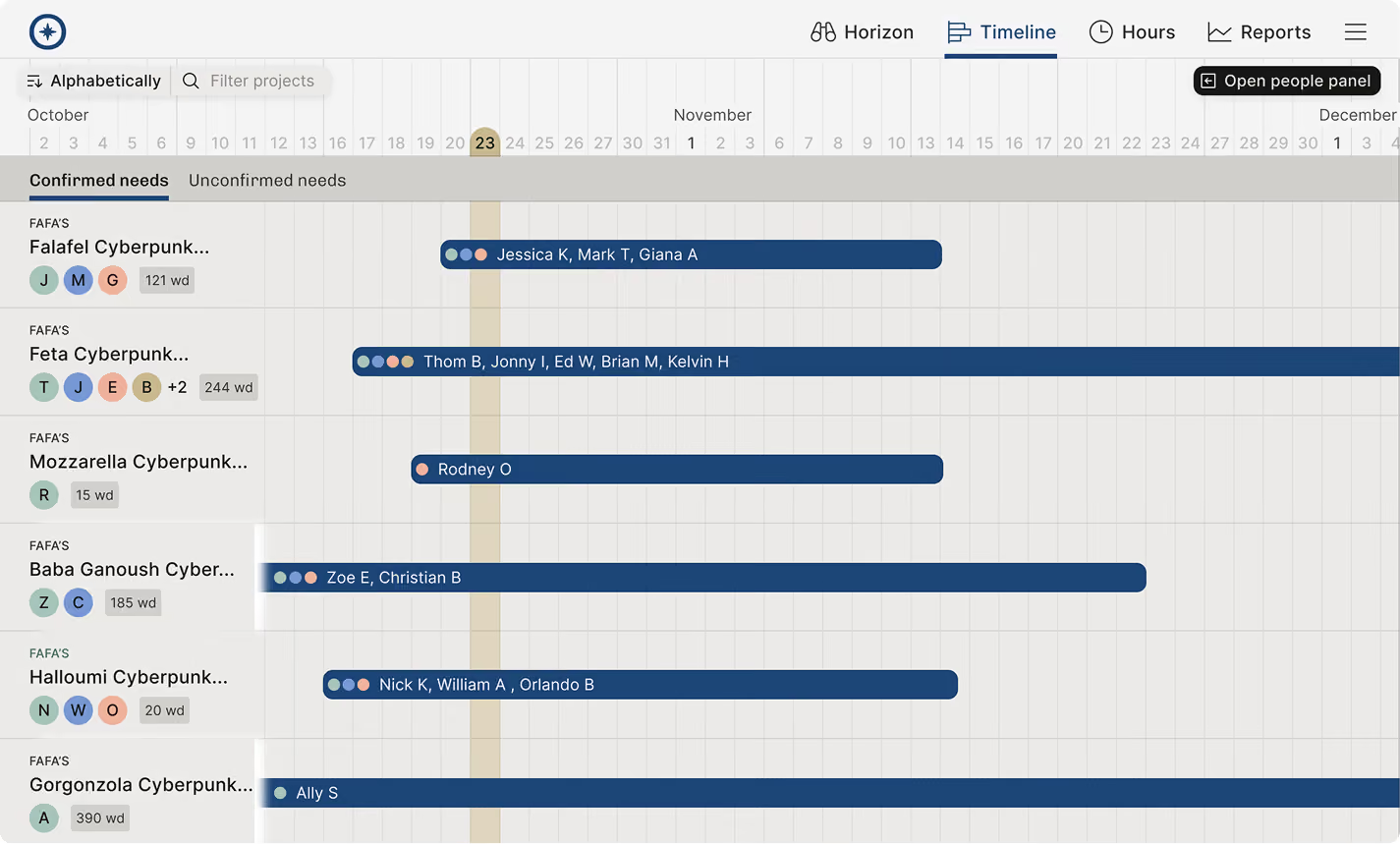
What ChatGPT can do in Operating
Checked against the product on 2026-09-27.
Log time
Creates time entries against a project or task, as the signed-in person
Record expenses
Creates billable or non-billable expenses with vendor and category
Check billing readiness
Lists invoices that are ready to send, within your invoice visibility
Staff a project
Creates positions and allocations, and can build a project from a pasted scope
Report
Returns planned and actual figures per person, project or client
Questions about using Operating in ChatGPT
How do you connect Operating to ChatGPT?
Add Operating as a connector in ChatGPT's settings, pointing at https://mcp.operating.app/mcp, and sign in with your Operating account. Then enable the connector in the chats where you want to use it.
Why does a ChatGPT connector have to be enabled in each chat?
Because ChatGPT keeps connector access per conversation. A chat where the connector is switched off cannot reach the connected system at all, which is a useful way to keep company data out of casual conversations.
Can ChatGPT log time and expenses in a professional services system?
With the Operating connector, yes. It creates time entries and expenses as the person signed in, including several rows at once from a pasted table.
Does ChatGPT see all of a company's project and financial data?
No. It sees what the signed-in person sees. Operating's own permissions apply through the connector, and an administrator can switch individual tools off for a user.
Does the Operating connector work in ChatGPT for Excel?
Yes. It uses the same MCP server and the same sign-in, so the data lands in a sheet instead of a chat.
Can changes made through a ChatGPT connector be reviewed before they take effect?
Not in Operating. Writes are live, with no sandbox and no draft mode, so check what was created afterwards. Switching off the writing tools for a user leaves them with questions only.
Go deeper



Get the Operating Routine for resource planning
A weekly routine for staffing and capacity, written by people who ran it in their own firms. It gives your resource planning meeting a fixed agenda and a short list of numbers to check. Get the guide.
Thank you!
Get the Staffing Routine by clicking below.
Download guide