


The Harvest integration for resource planning and project margin
Your team tracks time in Harvest. Operating reads those hours and puts them beside the plan. You see which projects are running over budget, and who is genuinely busy. Clients, projects, people and time entries move between the two systems, so nobody retypes anything. You can also bring across your whole Harvest history, not just a recent slice. The reports then have something to compare against from the first day.
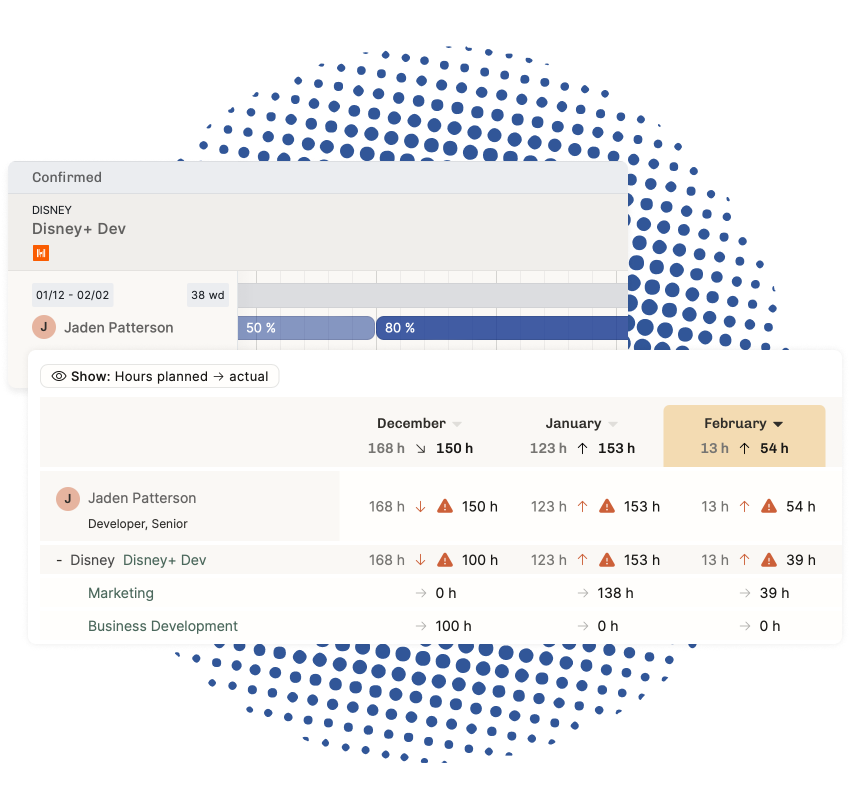
Plan the work, then see what it really cost
The plan says a consultant has 30 hours on a project this month. The timesheet says 44. Operating puts those two numbers on the same row, so somebody notices in week two rather than at the month-end review, when the margin has already gone.
- Compare planned hours against tracked hours by person, project and client
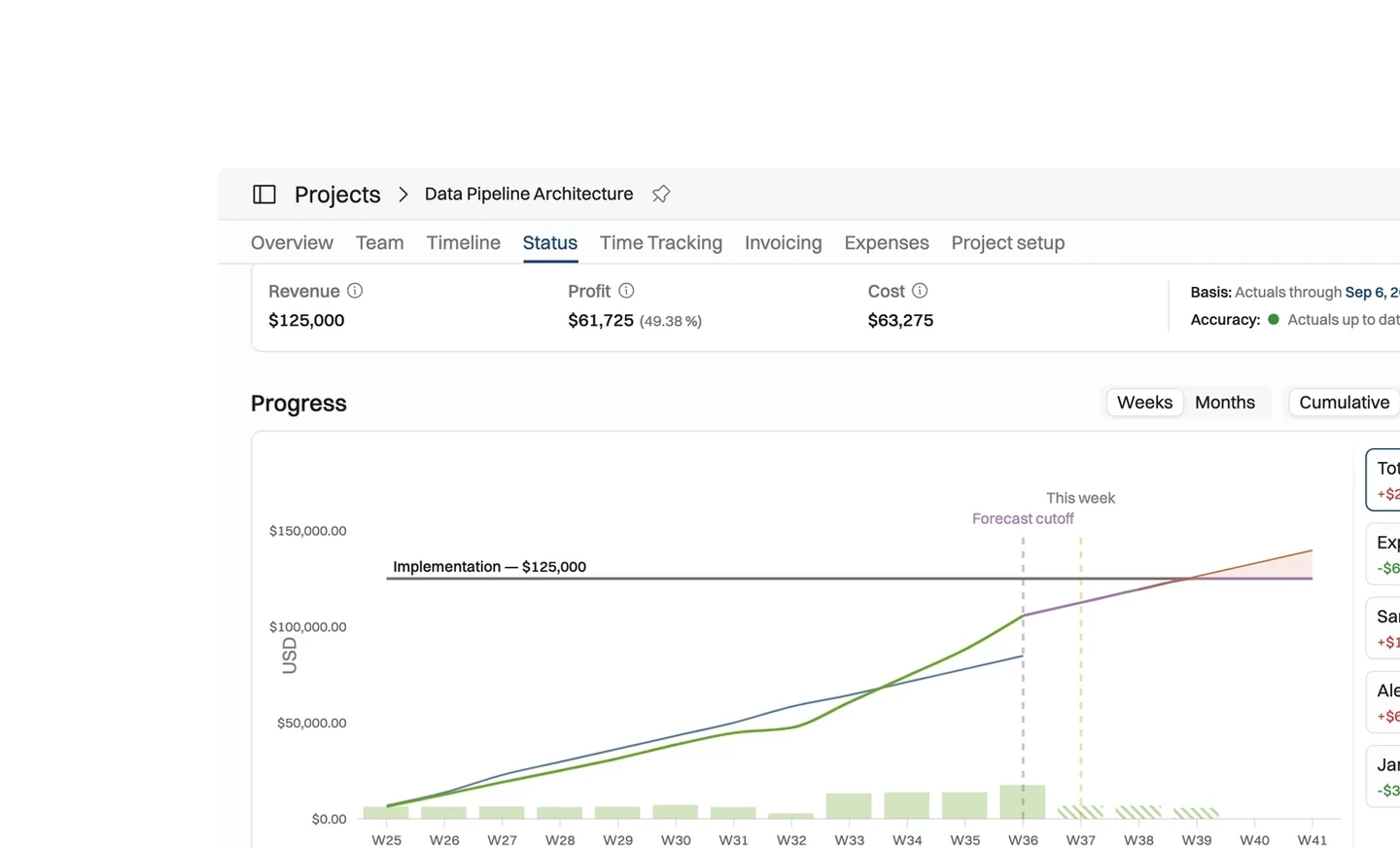
- Watch a project drift past its budget while there is still time to act
- Carry Harvest's billable rate through to revenue and margin, with no second rate table
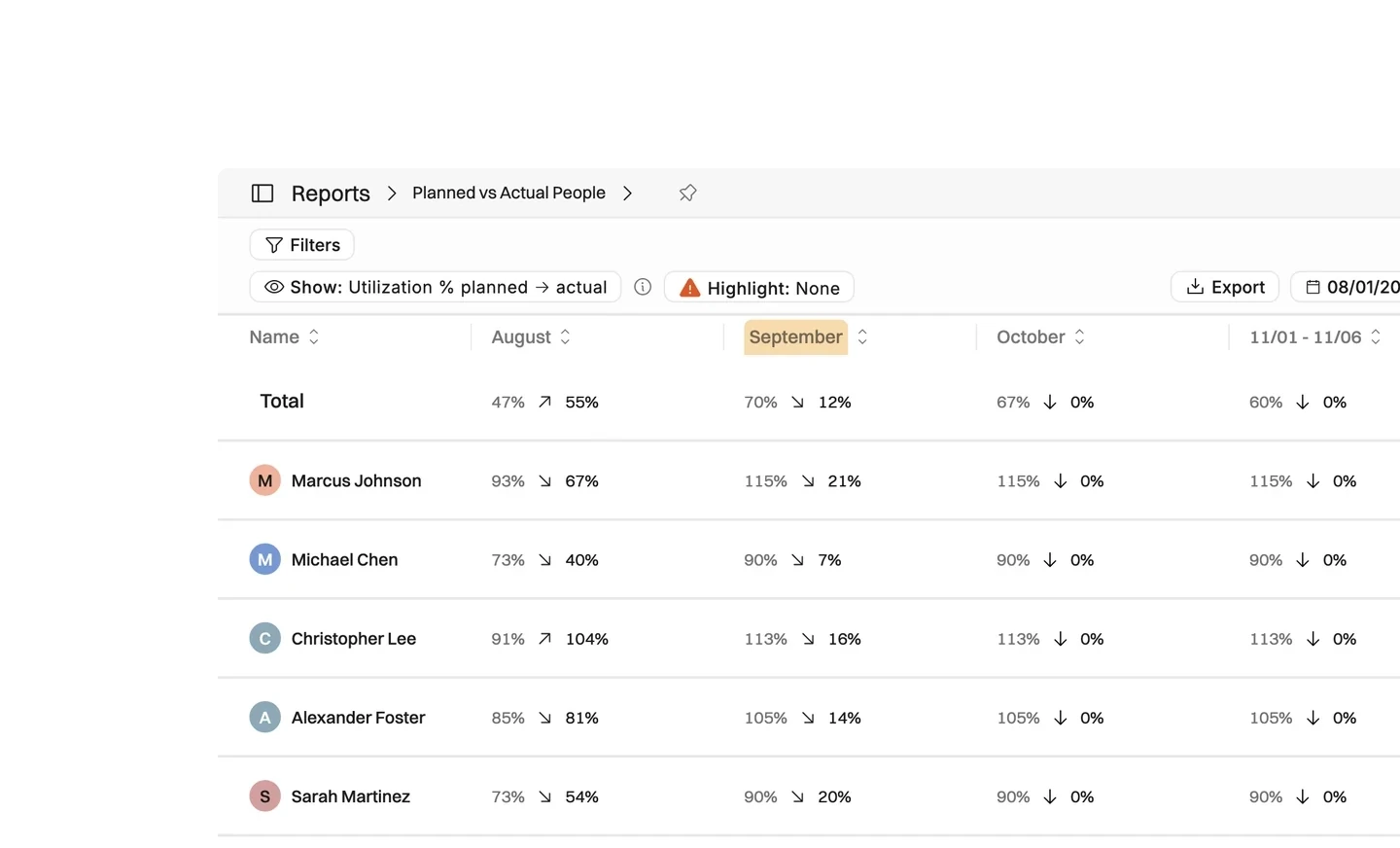
- See utilization per person once absences and internal work are counted properly
What moves between Harvest and Operating
The connection runs in both directions. People log their hours in Harvest, and Operating uses them to staff the work, price it and invoice it.
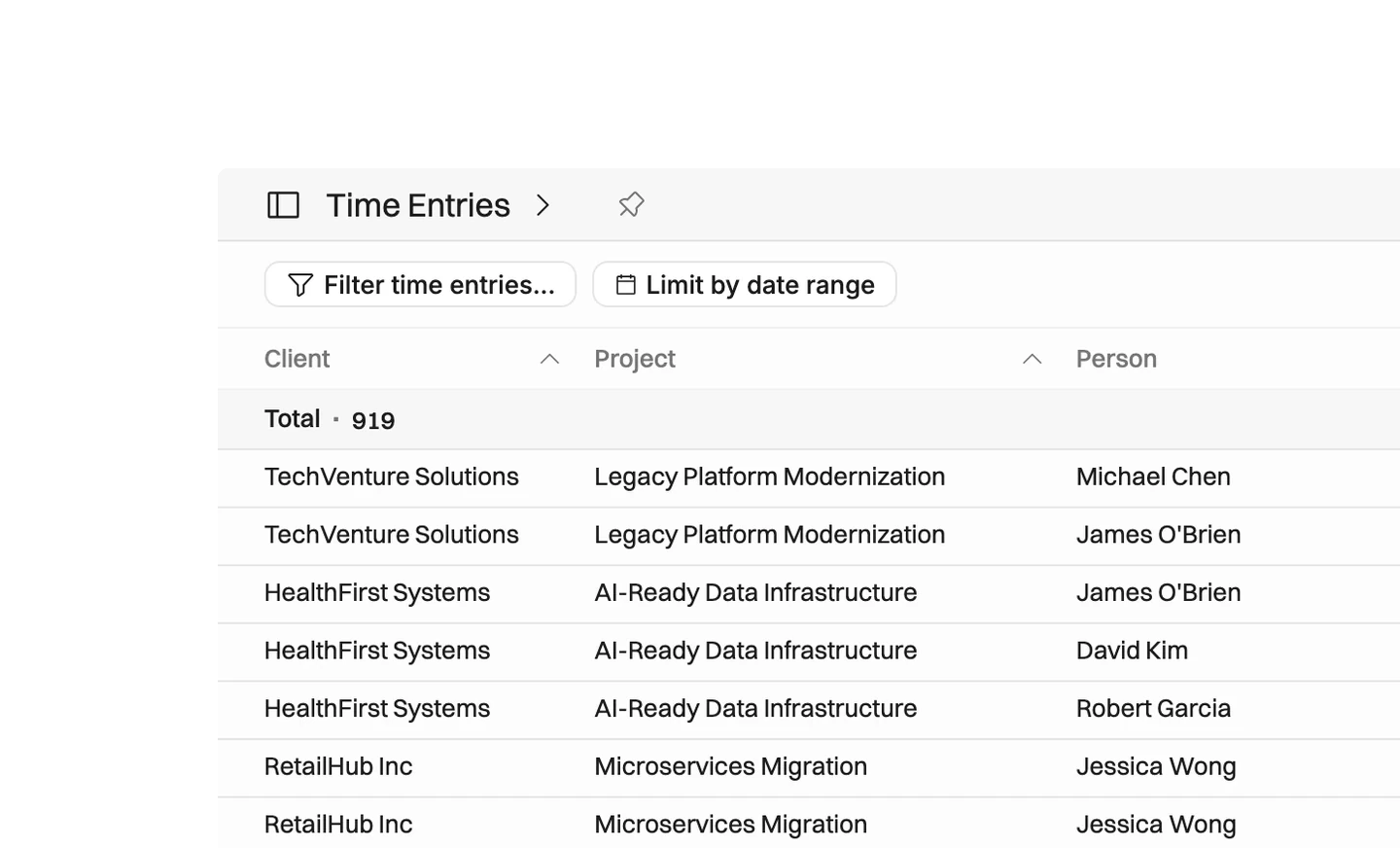
- Time entries, people and tasks come into Operating from Harvest, on a daily refresh or whenever you ask for one
- Clients and projects move in both directions, so creating one in either system fills in the other
- Confirm a staffing plan in Operating and the matching Harvest project appears with the team and project manager already on it
- Link your Harvest absences project to Operating's time off project, so utilization counts the right hours
Bring your whole Harvest history, not just this year
Earlier imports made you choose a start date. That kept old clutter out, but it left the reports with nothing to compare against. The full history import walks backwards through Harvest in 90-day windows, stopping at your very first time entry or at a date you pick.
- Runs in the background, so you can close the page and let it work
- Saves its progress and picks up where it stopped if anything interrupts it
- Takes a snapshot when it starts, so a repeated window returns the same rows
- Brings clients, people, projects, tasks and time entries, counting each as it goes





What syncs between Operating and Harvest
Checked against the product on 2026-09-27.
Time entries
Daily refresh, or on demand
People
Daily refresh, or on demand
Tasks
Daily refresh, or on demand
Clients
Daily refresh in, and when you create one from Operating
Projects
Daily refresh in, and when you confirm a staffing plan
Project team and manager
When you create or update the project
Full history
On request, from the integration settings
Questions about the Harvest integration
Does the Operating and Harvest integration work in both directions?
Yes. Harvest sends clients, projects, people, tasks and time entries to Operating. Operating creates clients and projects in Harvest, and puts the project team and the project manager on them.
How often does Operating pull data from Harvest?
Once a day if you switch on the automatic refresh, and whenever you press refresh yourself. A separate full history import brings older data across in one run.
Can Operating import several years of Harvest history?
Yes. The full history import walks backwards through Harvest until it reaches your earliest time entry, or a date you choose. It runs in the background and resumes on its own if it is interrupted.
Will importing from Harvest overwrite work already done in Operating?
No. A refresh adds new clients, projects, people and time entries, and leaves the details of records you already have alone. Anything you have edited in Operating stays as you left it.
Can an hourly rate that came from Harvest be changed in Operating?
Not on the imported entry. That rate is Harvest's billable rate, so change it in Harvest and sync again. Rates on entries created in Operating come from positions, rate cards and roles instead.
What happens to time off and internal projects tracked in Harvest?
During setup you link your Harvest absences project to Operating's time off project, and your internal projects to an internal project. Utilization then counts the right hours. If you skip it, you can merge the imported project into the time off project afterwards.
What does Operating do that Harvest does not?
Harvest records hours. Operating plans them first: who is available, which skills a project needs, what the budget allows, and what margin the work is on course to make. The two together cover the plan and the record.
Harvest is great, but it has its limits!
We’ve been through it, using Harvest with teams of 5, 50, even 100s of people. Harvest is a great time tracking tool, but reporting and forecasting require extensive custom work. Information was scattered across spreadsheets crafted by our sales team and managers, leaving us frustrated. And what about consultants skills? Turns out lots of agencies are using a CRM, Harvest, and tons of spreadsheets. Operating connects with both, so you can ditch the spreadsheet part. The best part: your whole company can enjoy the increased visibility.
Book a setup call
Go deeper



Get the Operating Routine for resource planning
A weekly routine for staffing and capacity, written by people who ran it in their own firms. It gives your resource planning meeting a fixed agenda and a short list of numbers to check. Get the guide.
Thank you!
Get the Staffing Routine by clicking below.
Download guide
